
Introduction
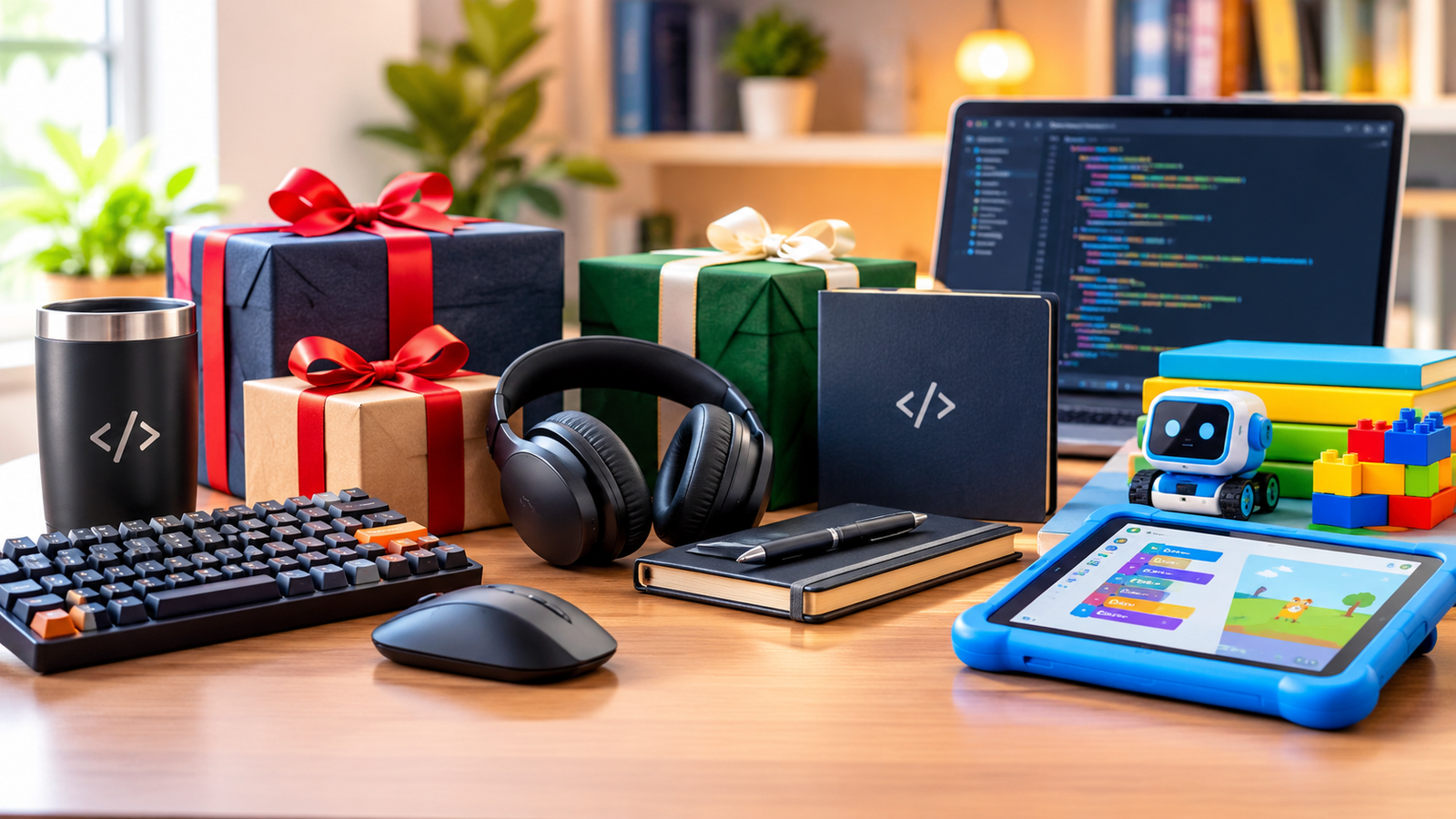
Finding the best gifts for developers means looking beyond novelty gadgets. Software developers spend hours writing code, debugging applications, attending meetings, and learning new technologies. The right gift can make their workspace more comfortable, improve everyday productivity, or inspire them to explore new skills.
Useful developer gifts include ergonomic keyboards, reliable audio equipment, better desk lighting, productivity accessories, and hands-on learning tools. If you’re shopping for a young aspiring programmer, coding games and beginner-friendly electronics can make learning technology exciting.
Here are five practical gifts for developers, along with three thoughtful coding gifts for children.
5 Best Gifts for Developers
1. A Comfortable Mechanical or Ergonomic Keyboard
A keyboard is one of the most frequently used tools in a developer’s workspace. Upgrading it can make long coding sessions more comfortable and provide a more enjoyable typing experience.
Mechanical keyboards appeal to developers who prefer distinct tactile feedback and customizable switches. Low-profile wireless keyboards are another option for people who want a quieter, minimalist setup. Split and ergonomic keyboards may suit developers looking for a different hand and wrist position.
Popular options include the Logitech MX Keys S and compact mechanical keyboards from established manufacturers.
Before buying, consider the recipient’s preferences:
- Typing style: Mechanical, low-profile, or ergonomic.
- Noise level: Quiet switches for shared offices and louder options for private workspaces.
- Layout: Full-size, tenkeyless, or compact.
- Connectivity: Wired, Bluetooth, or a wireless USB receiver.
A mechanical keyboard is not automatically more comfortable for everyone. Choose one that fits the user’s needs rather than assuming a particular design will improve typing speed.
2. Wireless Headphones With a Good Microphone
Developers often switch between coding, video meetings, online courses, and collaborative sessions. A good pair of wireless headphones can make these activities easier to manage.
Look for comfortable ear cups, reliable Bluetooth connectivity, clear microphone quality, and battery life that suits a full working day. Active noise cancellation can be particularly useful in busy homes, shared offices, or coworking spaces.
For remote workers, microphone performance and connection stability may matter more than premium audio features. Developers who frequently attend meetings should also check whether the headphones work well with their computer and preferred communication apps.
If the recipient already owns high-quality headphones, consider a dedicated USB microphone or a comfortable wired headset instead. The best developer gadgets solve a real problem rather than adding another device to the desk.
3. A Monitor Light Bar or Adjustable Desk Lamp
Good lighting is an often-overlooked upgrade for a home office. Developers who work late or use multiple monitors may appreciate a desk lamp or monitor light bar that illuminates the workspace without creating distracting screen reflections.
Choose an adjustable light with suitable brightness and color-temperature settings. A monitor light bar can be useful when desk space is limited, while a conventional desk lamp offers more flexibility for reading notebooks and printed documents.
However, backlighting should not be presented as a guaranteed cure for eye strain. Lighting quality, screen position, viewing distance, and regular breaks all contribute to a more comfortable workstation. The US Occupational Safety and Health Administration recommends arranging monitors and lighting to reduce glare and awkward viewing positions.
For a practical setup, position the monitor directly in front of the user, keep it at a comfortable viewing distance, and adjust the lighting to avoid reflections.
4. A USB-C Hub, Docking Station, or Cable Management Kit
Modern development setups often involve laptops, external monitors, keyboards, storage devices, webcams, and charging cables. A suitable USB-C hub or docking station can help connect compatible devices through a more organized workspace.
Depending on the model, useful features may include HDMI or DisplayPort output, USB-A ports, Ethernet, card readers, and power delivery. Check the developer’s laptop specifications before purchasing because USB-C ports do not all support the same features.
A docking station is ideal for someone who regularly connects a laptop to a permanent desk setup. For developers who already have enough ports, a cable management tray, reusable cable ties, or a quality laptop stand may offer better value.
These accessories may not look as exciting as a new computer, but they can remove everyday frustrations and keep a workspace tidy.
5. A Learning Subscription or Practical Coding Course
Technology changes quickly, and developers need opportunities to build new skills. A learning subscription, specialized course, or technical book can be a valuable gift for someone interested in exploring a new programming language or development tool.
Choose learning material based on the recipient’s goals. A beginner might appreciate a course on JavaScript, Python, or web development. An experienced engineer may prefer advanced material on cloud infrastructure, application security, database performance, or AI-assisted development.
Useful learning topics include:
- AI-assisted software development and responsible use of coding assistants.
- Cloud deployment, DevOps, and application monitoring.
- Modern JavaScript and TypeScript frameworks.
- Cybersecurity and secure coding practices.
- Testing, accessibility, and software performance.
Prefer courses with practical exercises, projects, and regularly maintained content. Check the syllabus, instructor credentials, platform access terms, and whether the recipient already subscribes to the service.
A gift card for a learning platform can be a good alternative when you are unsure which course to choose.
3 Great Coding Gifts for Kids
Introducing children to programming does not require an expensive computer or a formal coding class. The best coding gifts for kids encourage creativity, problem-solving, and experimentation through age-appropriate activities.
1. A Beginner-Friendly Coding Board Game
Coding board games introduce programming concepts through play. Depending on the game, children may learn about sequences, instructions, planning, and debugging without writing traditional code.
Look for games with clear rules, adjustable difficulty, and activities that encourage adults and children to play together. Check the recommended age range and whether the game supports solo or group play.
The original article mentioned Robot Turtles. Before purchasing it, verify current availability, edition details, and age recommendations. If it is unavailable locally, other beginner programming board games may provide a similar experience.
2. A Coding Book or Creative Programming Activity
A story-based coding book or activity set can help children connect technology with their existing interests. Illustrations, puzzles, and small projects are often more engaging than long technical explanations.
Hello Ruby is one example of a book series that introduces computing concepts through storytelling and activities. Check the edition and age suitability before ordering.
You can also start with free learning resources. The Raspberry Pi Foundation’s coding projects offer step-by-step activities involving Scratch, Python, web development, and other creative technologies.
Choose projects based on what the child enjoys, whether that is animation, games, art, music, or building things.
3. A Beginner Coding Kit or Microcontroller
For older children and teenagers, a beginner electronics or coding kit can turn programming into a hands-on experience. Depending on the kit, they may create simple games, interactive projects, sensor-based experiments, or devices that respond to buttons and lights.
Options include Raspberry Pi products, microcontroller kits, and beginner robotics sets. The right choice depends on the child’s age, existing experience, available computer, and interest in electronics.
Start with guided projects and build gradually. Adults should review power requirements, component safety, and age recommendations before buying a kit.
Free Raspberry Pi learning projects can also help children get started before you invest in additional hardware.
How to Choose the Right Gift for a Developer
The best gift depends on the person’s work habits, interests, and current setup. Use this table to narrow your options.
| Gift | Best for | What to check |
| Ergonomic or mechanical keyboard | Frequent typists | Layout, switch type, noise, comfort |
| Wireless headphones | Remote workers | Microphone, battery, compatibility |
| Monitor light bar | Home office users | Brightness, glare, mounting |
| USB-C hub or docking station | Laptop-based developers | Port compatibility and power delivery |
| Coding course or subscription | Developers learning new skills | Content quality, access terms |
| Coding board game | Younger beginners | Age range and learning style |
| Beginner electronics kit | Older children and teens | Safety, components, computer compatibility |
Before purchasing expensive equipment, check whether the recipient already owns a similar product. Also consider local availability, warranty coverage, return policies, and compatibility with their operating system and devices.
Frequently Asked Questions
What are the best gifts for developers?
Useful choices include ergonomic keyboards, wireless headphones, monitor lighting, USB-C docking stations, and technical learning subscriptions. The best option depends on the developer’s existing equipment and daily routine.
What are affordable gifts for programmers?
Cable organizers, desk mats, laptop stands, useful technical books, and learning-platform gift cards can be affordable options. Free coding resources paired with a small physical gift can also make a thoughtful present.
What are good coding gifts for kids?
Beginner coding board games, story-based programming books, Scratch activities, and age-appropriate electronics kits are good starting points. Choose resources that encourage children to create their own projects rather than simply follow instructions.
Should I buy a coding kit or a coding course?
A coding kit is a good fit for someone who enjoys hands-on experimentation. A course may be more suitable for someone who wants structured lessons in a particular language or technology. For children, begin with their interests and experience level.
Conclusion
The best gifts for developers are the ones that make work more comfortable, simplify everyday tasks, or encourage continued learning. An ergonomic keyboard, reliable headphones, better desk lighting, a practical docking station, or a well-chosen course can all be worthwhile investments.
For young learners, coding games, creative books, and beginner electronics kits can turn curiosity into practical skills. You do not need to buy the most expensive gadget to make an impact. Focus on the recipient’s needs, choose compatible products, and prioritize gifts they will genuinely use.
In a fast-changing technology industry, thoughtful gifts can support both a developer’s daily work and their long-term curiosity about what they can build next.