
Introduction
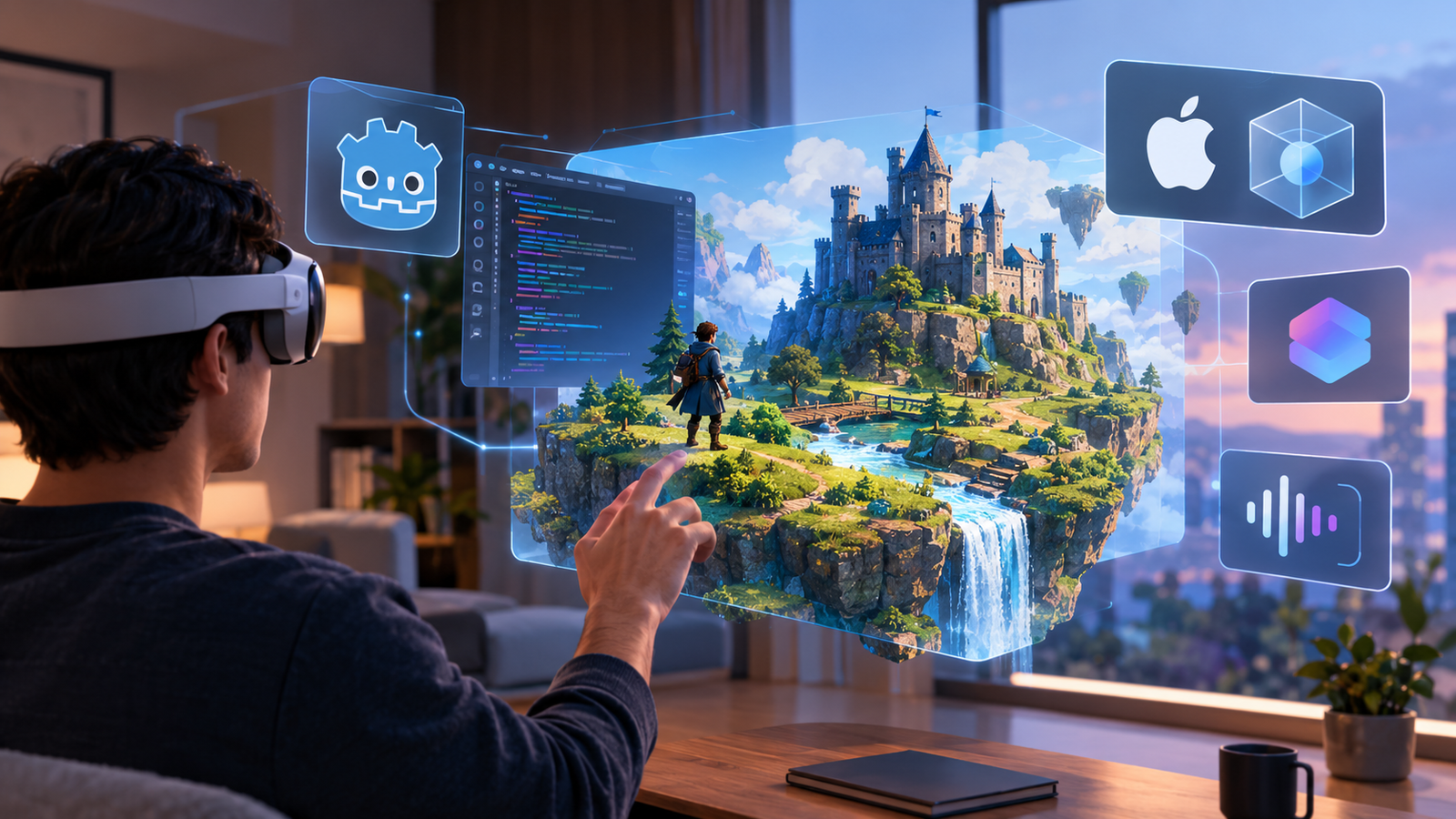
Spatial games are moving beyond traditional screens into environments where digital objects can appear around a player, occupy virtual spaces, and respond to natural interactions. For developers exploring visionOS game development, Apple’s Vision Pro platform creates new possibilities for immersive storytelling, puzzle games, educational simulations, and interactive 3D experiences.
Godot 4.x offers an accessible starting point for indie developers who want to experiment with these experiences without rebuilding every game system from scratch. Apple’s official plugins for Godot introduce additional integration with RealityKit and PHASE spatial audio, while CompositorServices provides another route for fully immersive rendering. These technologies have different roles, so understanding the pipeline is essential before choosing an implementation.
This guide explains how the pieces fit together, what developers need to configure, and how to plan a practical project using Godot, GDScript, and Apple’s spatial technologies.
Indie developers exploring new platforms can also learn from the rise of indie game developers, particularly when planning the skills and workflows needed to bring ambitious game ideas to life.
VisionOS game development is creating new opportunities for indie developers, game designers, and technology enthusiasts who want to explore spatial computing. With Apple Vision Pro, visionOS game development allows developers to build immersive gaming experiences that combine virtual environments with the real world. By using Godot 4.x, RealityKit, PHASE audio, and CompositorServices, developers can experiment with interactive 3D environments, spatial interactions, and immersive gameplay. Whether you are building educational games, puzzle experiences, or interactive simulations, visionOS game development provides an exciting way to explore the future of spatial gaming.
What Is visionOS Game Development?
visionOS game development means designing and building interactive experiences for Apple’s spatial computing platform. Instead of treating a display as the entire game world, developers can position digital content in a shared physical environment or create a more immersive virtual experience.
The platform supports several presentation styles:
- Windows: Display game content inside a conventional floating app window.
- Volumes: Present bounded 3D content that appears to occupy space.
- Immersive spaces: Place players inside a more expansive digital environment.
These formats support different gameplay designs. A tabletop strategy game might work well as a volume, while a puzzle involving objects placed around the player may benefit from an immersive experience.
For indie developers, Apple Vision Pro game development requires more than converting existing graphics to stereoscopic output. Designers must consider spatial comfort, readable interfaces, object placement, input methods, and performance.
The wider idea of spatial computing is that digital content can coexist with the user’s surroundings. That creates opportunities for educational demonstrations, interactive storytelling, training tools, and entertainment.
Developers already familiar with Godot can build on its scene system, animation tools, physics, and scripting workflows. If you are deciding which engine best fits your project, this Godot vs. Unity comparison can help clarify the trade-offs before you commit to a pipeline.
Apple’s visionOS developer resources explain the platform’s native concepts and development environment.
Understanding the Godot 4.x Spatial Rendering Pipeline
The central architectural decision in Godot 4 visionOS development is how the game will be rendered and presented. Apple’s published Godot integration work describes multiple routes rather than one universal rendering mode.
Windowed, volumetric, and immersive experiences
A windowed experience is often the simplest starting point. It presents the game on a 2D surface, making it suitable for interfaces, lightweight games, and early prototypes.
A volumetric presentation lets a game appear as a bounded 3D object in the shared space. This can suit miniature worlds, tabletop puzzles, and interactive models.
An immersive experience offers a different level of spatial presence. The rendering path must work with visionOS’s compositor and the platform’s expectations for immersive content.
Choosing the right rendering approach is essential for successful visionOS game development. Developers working on Godot visionOS game development projects should understand how windowed rendering, RealityKit, and CompositorServices support different spatial experiences. The right visionOS game development pipeline depends on the project’s graphics requirements, interaction design, and immersive presentation goals. Understanding these rendering technologies early can make Apple Vision Pro game development easier to manage, improve compatibility, and reduce development challenges.
RealityKit vs. CompositorServices
The main options have different purposes:
| Pipeline | Best suited for | Important consideration |
| Windowed Metal view | Traditional game content in a window | Monoscopic presentation |
| RealityKit | Volumes, shared-space content, and immersive scenes | Requires compatible plugin rendering features |
| CompositorServices | Fully immersive rendering using Godot’s Metal rendering driver | Requires the appropriate visionOS runtime and rendering support |
The official GodotRealityKit plugin replaces Godot’s renderer with RealityKit for its supported rendering path. CompositorServices instead connects rendering to the system compositor for immersive presentation.
The distinction matters because RealityKit integration with Godot is not the same as CompositorServices integration. The best choice depends on the experience, the features your game uses, and the supported build configuration.
Before implementation, review the official Apple plugins for Godot repository and its documentation.
Getting Started with Official Apple Plugins
A reliable setup begins with a compatible Godot build, Apple’s development tools, and the plugin version intended for that build. A plugin compiled against a different Godot API or export template can fail during compilation or project export.
Apple’s public repository currently documents two key Godot integrations: GodotRealityKit for rendering and Godot’s PHASE plugin for spatial audio. CompositorServices is a separate rendering path supported by the visionOS integration work; do not assume that every framework is installed through the same plugin.
Installing and matching the plugin version
A practical setup process is:
- Start with a small Godot 4.x project containing a simple 3D scene.
- Review the official plugins-for-Godot repository and follow its current build and installation instructions.
- Confirm the plugin’s required Godot branch, build dependencies, and supported visionOS SDK.
- Add the relevant plugin files to your project as instructed by its documentation.
- Check whether the plugin provides custom export templates and use the matching template when required.
- Test a minimal scene before migrating a larger game.
For example, the GodotRealityKit installation guide documents adding its addon, configuring a visionOS export preset, selecting a matching template, and building the exported Xcode project. Its instructions also distinguish a windowed application role from an immersive CompositorServices configuration. Follow the documentation for the specific mode you choose rather than mixing settings from different pipelines.
Exporting through Xcode
A visionOS build typically requires a Mac with the appropriate Xcode and visionOS SDK setup. Export the project from Godot, open the generated Xcode project, configure signing and the bundle identifier, and build for the intended target.
Treat export as part of the development pipeline, not as a final packaging step. Early exports can expose missing native dependencies, incompatible templates, or configuration problems while the project is still small.
RealityKit Integration with Godot
RealityKit is Apple’s framework for rendering and managing 3D content in spatial applications. The official GodotRealityKit extension allows a Godot-authored game to use RealityKit for supported rendering on visionOS. It can support immersive experiences and volumetric presentation in the shared app space.
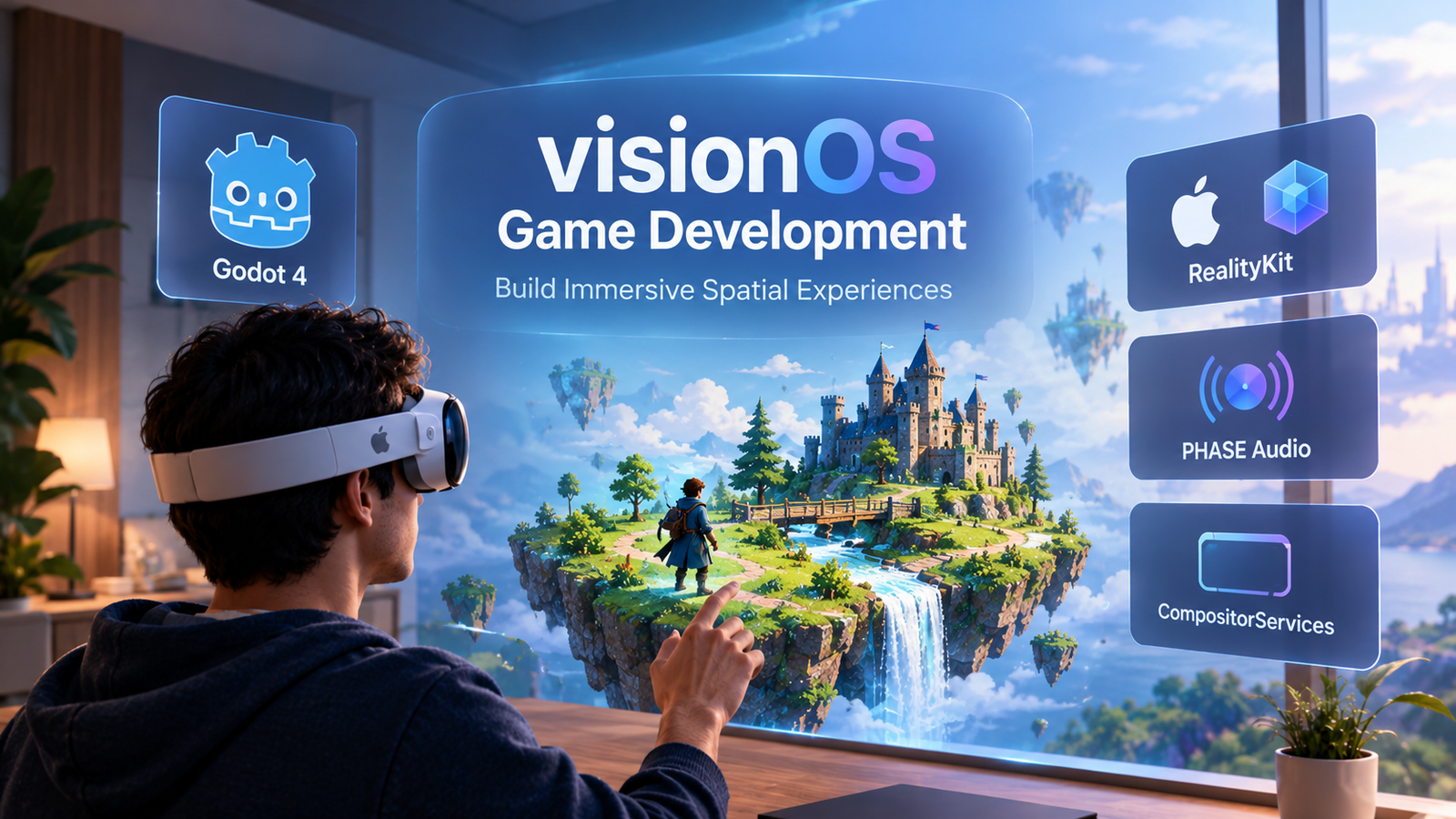

RealityKit plays an important role in visionOS game development by helping developers create interactive 3D content for Apple’s spatial computing environment. Through Godot and RealityKit integration, developers can explore immersive game development, spatial object placement, 3D materials, and interactive environments. This approach makes Godot visionOS development useful for indie game developers who want to experiment with Apple Vision Pro gaming while maintaining familiar gameplay systems and GDScript workflows.
Materials, lighting, and spatial interactions
Most game logic can remain in Godot, including scene organization, animations, and simulation. The rendering layer is what changes when a project uses GodotRealityKit.
That separation can make it easier to reuse gameplay systems while adapting presentation for Apple Vision Pro. However, it does not mean every Godot rendering feature transfers unchanged.
Before migrating a detailed scene, check the plugin’s rendering support:
- Materials: Physically based materials are supported, but shader compatibility needs attention.
- Visual shaders: The plugin documentation describes support for Godot Visual Shaders and their conversion to RealityKit.
- Text-based GLSL shaders: These are not directly compatible with the RealityKit rendering path.
- Lighting: Common light types are supported, but individual features such as shadowed point lights may differ.
- Spatial effects: RealityKit-specific features can require the plugin’s own nodes and workflows.
These differences are important when a game depends on custom shaders, stylized materials, or advanced lighting. Create a compatibility checklist before converting a large asset library.
For a small prototype, start with a basic environment, a few objects, and one interaction. Confirm that the materials and lighting look correct in the target presentation mode before adding complex effects.
This is a useful approach to immersive game development: validate the rendering pipeline first, then expand the scene and gameplay.
CompositorServices for Fully Immersive Experiences
CompositorServices is Apple’s framework for connecting supported rendering engines to the visionOS compositor. In an immersive application, the compositor combines the application’s output with the system’s display pipeline. Apple’s documentation explains how fully immersive Metal apps submit frames directly to the compositor.
For Godot developers, this is an alternative to using RealityKit as the renderer. It is particularly relevant when the desired experience depends on Godot’s Metal rendering path and a fully immersive presentation.
The choice should be made early because the pipeline affects export settings, rendering compatibility, and the way the game integrates with visionOS.
Consider CompositorServices when:
- The game requires a fully immersive environment.
- The selected Godot build explicitly supports the intended CompositorServices path.
- The project benefits from using Godot’s Metal rendering driver.
- The team can test and maintain the necessary native build configuration.
Do not assume that every Godot XR feature available on another headset automatically works on visionOS. Confirm support for the exact plugin version, device input, rendering mode, and export template.
For developers investigating custom rendering, Apple’s visionOS render pipeline documentation explains how the render server and compositor work together. This background helps teams understand why frame timing and consistent rendering matter.
Adding PHASE Spatial Audio
Sound contributes to the sense that an object occupies a real position in a spatial environment. A sound that appears to originate from an object can help players understand direction, distance, and events outside their immediate field of attention.
Apple’s PHASE framework provides tools for spatial audio. Apple’s official PHASE plugin for Godot brings this audio framework to supported Apple platforms, including visionOS.
Another important aspect of visionOS game development is creating realistic spatial audio experiences. Apple’s PHASE audio framework helps developers position sounds within immersive environments, making gameplay more engaging and interactive. For developers exploring Apple Vision Pro game development, spatial audio can improve environmental awareness, directional feedback, and player immersion. Combining Godot gameplay logic with PHASE spatial audio creates additional opportunities for building more engaging visionOS gaming experiences.
Planning a spatial audio scene
Start by identifying the sounds that benefit from spatial positioning:
- A moving object that emits a repeating sound.
- A character speaking from a fixed location.
- Environmental ambience that helps establish a scene.
- An audio cue that signals an event occurring outside the player’s immediate view.
The PHASE spatial audio workflow should be treated as an integration task, not simply as turning on a Godot audio setting. Follow the plugin’s current setup instructions and verify which nodes, resources, and audio behaviors are supported by the version you are using.
A practical implementation plan is to place one sound source in a simple test scene, confirm that the plugin initializes correctly, and test the result on the target device. Only then should you add multiple sources, moving emitters, or layered environmental audio.
A simple GDScript gameplay example
The following example illustrates the kind of gameplay logic that can remain in Godot. Attach it to a Node3D representing a moving object in your scene:
extends Node3D

@export var movement_speed: float = 0.5
@export var movement_range: float = 0.25

var start_position: Vector3

func _ready() -> void:
start_position = position

func _process(_delta: float) -> void:
var time = Time.get_ticks_msec() / 1000.0
var offset = sin(time * movement_speed) * movement_range

position = start_position + Vector3(0.0, offset, 0.0)
This script makes the object move gently up and down, giving you a simple target for testing animation and spatial placement. It does not call the PHASE API or configure the rendering pipeline; those steps depend on the installed plugin and its documented interfaces.
The same principle applies when designing GDScript for visionOS: keep reusable gameplay behavior separate from platform-specific rendering and audio integration.
Testing with the visionOS Simulator and Apple Vision Pro
Testing is essential because a scene that looks correct in the Godot editor may behave differently when exported to visionOS. The simulator helps developers validate basic application behavior, spatial layouts, and interactions, while testing on Apple Vision Pro reveals device-specific issues.
Apple’s visionOS development resources describe using Xcode and the visionOS simulator to explore app behavior in different environments.
A practical testing checklist
- Start with the simulator: Check that the application launches, its main scene loads, and the basic interaction loop works.
- Check spatial placement: Make sure objects are positioned comfortably and important content is easy to see.
- Verify input: Test the keyboard, supported controllers, and spatial interactions relevant to your selected pipeline.
- Check audio: Confirm that sounds play at the intended positions and that audio does not become distracting.
- Test on the device: Validate performance, comfort, tracking behavior, and the actual spatial presentation.
- Repeat after export changes: A plugin update, custom template, or native dependency change may affect the final build.
The simulator is valuable, but it cannot replace testing on physical hardware. Developers should also check the supported capabilities of their chosen rendering path rather than assuming all input methods work in every mode.
For educators and students, a small, repeatable test scene makes these checks easier to understand and reproduce. Teams exploring adjacent browser-based rendering techniques can also read CodeCondo’s guide to WebGPU and WebAssembly for browser experiences, which covers a different route to performance-oriented interactive content.
Choosing the Right visionOS Game Development Pipeline
The best pipeline depends on the type of experience you want to deliver, the rendering features your project requires, and the amount of native integration your team can maintain.
| Requirement | Recommended starting point | Main consideration |
| Simple game presented in a window | Windowed rendering | Simplest presentation model |
| Bounded 3D experience in shared space | RealityKit | Verify material and shader compatibility |
| Fully immersive game | CompositorServices | Confirm support in the selected Godot build |
| Spatial sound | PHASE plugin | Follow the plugin’s setup and API documentation |
| Reusable gameplay systems | Godot with GDScript | Keep game logic separate from platform integration |
| Native build and deployment | Godot export plus Xcode | Signing, templates, SDK compatibility |
The official Apple plugins for Godot repository is the starting point for reviewing the RealityKit and PHASE integrations. The exact setup requirements can evolve, so verify the current documentation before committing to a production pipeline.
For developers new to game creation, learning core engine concepts before tackling spatial integration can save considerable time. The Eduonix resource on learning game development online provides a useful starting point for building those foundations.
Common Mistakes and Performance Tips
A successful visionOS game development workflow needs more than a working export. Spatial applications must remain responsive, comfortable, and visually consistent.
Avoid these common mistakes:
- Choosing the rendering pipeline too late.
A project built around features unsupported by the selected renderer may need significant rework. Decide whether you need windowed presentation, RealityKit, or CompositorServices early. - Assuming every Godot shader will work.
The RealityKit plugin has different rendering capabilities from Godot’s standard renderer. Test materials before porting a complete game. - Ignoring frame timing.
Immersive applications need consistent frame delivery. Avoid unnecessarily expensive geometry, heavy materials, and long-running rendering operations. Apple’s render-pipeline guidance recommends maintaining consistent frame timing and avoiding stalls. - Treating audio as an afterthought.
Spatial audio should support gameplay and orientation. Test sound placement and volume in the actual experience. - Relying entirely on simulation.
Use the visionOS simulator for early checks, but validate the finished build on hardware. - Mixing plugin and engine versions.
A native extension and export template must match their intended build configuration. Keep the project, plugin, SDK, and export instructions aligned. - Overloading the first prototype.
Start with one room, a few objects, one interaction, and one audio source. Expand only after the core pipeline is stable.
These practices make immersive game development easier to debug and maintain, especially for small teams with limited access to specialized hardware.
Frequently Asked Questions
1. Can you build visionOS games with Godot 4.x?
Yes. Apple’s published work supports bringing Godot-built games to visionOS, with integrations for RealityKit rendering, PHASE spatial audio, and CompositorServices-based immersive rendering. However, the supported features and setup depend on the specific build and plugin version.
2. What is the difference between RealityKit and CompositorServices?
RealityKit is a framework that can render supported Godot scenes and integrate them into visionOS presentation styles, including volumes. CompositorServices provides a way for supported rendering engines to submit immersive content to the system compositor. They are distinct approaches, not interchangeable plugin names.
3. Do I need a Mac to develop for Apple Vision Pro?
The documented visionOS development workflow uses a Mac with Xcode and the appropriate visionOS SDK. Follow the requirements for your chosen Godot build and plugin before setting up your environment.
4. Can I use GDScript for visionOS game development?
GDScript can handle gameplay logic, animation, and scene behavior in Godot. Platform-specific capabilities such as native rendering and PHASE audio may require the corresponding plugin, native dependencies, and supported interfaces.
5. Can I test a visionOS game without Apple Vision Pro?
The visionOS simulator is useful for early testing and validating application behavior. However, physical-device testing is still important for checking real-world performance, spatial interaction, comfort, and the final presentation.
The future of visionOS game development depends on how effectively developers combine spatial rendering, interactive gameplay, and immersive audio. Godot 4.x, RealityKit, CompositorServices, and PHASE provide different tools for exploring Apple Vision Pro game development. By understanding these technologies, developers can build better spatial gaming experiences, experiment with immersive environments, and develop practical skills for future spatial computing projects. For indie studios and beginners, learning visionOS game development can also create opportunities to explore a growing area of interactive entertainment.
Conclusion
Godot 4.x creates an interesting path for developers who want to explore visionOS game development without abandoning familiar game-engine workflows. Apple’s RealityKit and PHASE plugins help connect Godot projects to native spatial rendering and audio capabilities, while CompositorServices offers a separate route for fully immersive rendering.
The key is choosing the right architecture before building a large project. Start with a small scene, verify the plugin and export configuration, test the rendering and audio independently, and validate the finished experience on Apple Vision Pro.
For indie developers, students, and educators, this approach turns a complex platform into a manageable series of experiments. With careful testing and a clear separation between gameplay and native integration, Godot can provide a useful foundation for learning how spatial games are designed and delivered.