
Introduction
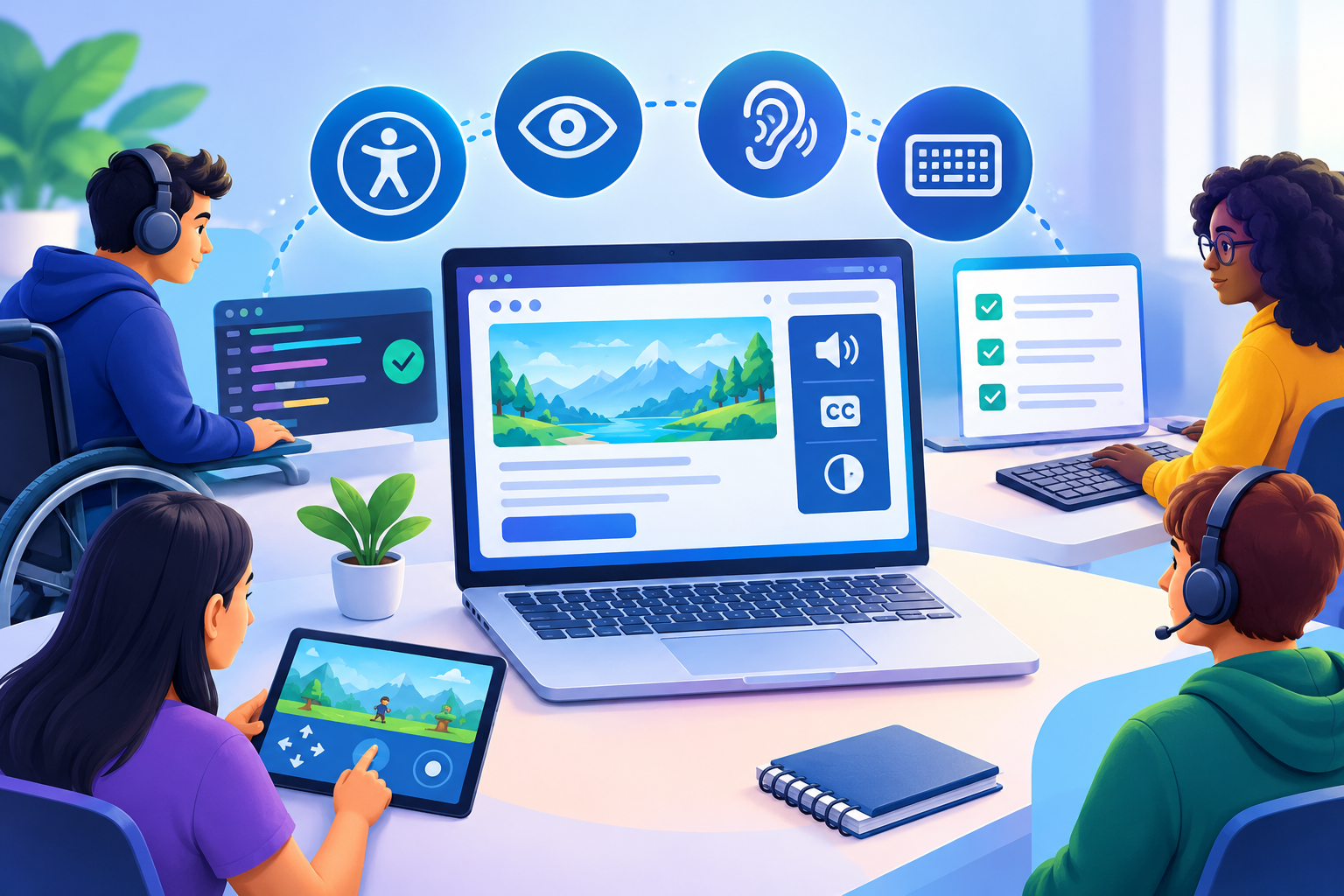
Modern websites, web applications, and browser games need more than attractive designs and fast loading times. They must also work for people who navigate with keyboards, rely on screen readers, experience motion sensitivity, or use alternative input methods.
Web accessibility testing helps developers identify barriers before those barriers affect real users. However, many teams treat accessibility as a final checklist instead of integrating it into design, development, and testing.
A consistent web accessibility testing strategy helps development teams identify usability problems before they become difficult and expensive to fix. By including web accessibility testing in the early stages of development, teams can create interfaces that support different abilities, devices, browsers, and assistive technologies.
A page might load quickly but have buttons that cannot be reached with a keyboard. A game menu might look intuitive but fail to communicate its controls to assistive technology. A form might work perfectly with a mouse but leave keyboard users unable to submit it.
This guide explores WCAG 2.2, automated testing, screen reader accessibility, practical development checklists, and Core Web Vitals. It explains how developers can build a repeatable testing process for accessible websites, interactive applications, and game interfaces.
Implementing cross-platform multiplayer networking is essential for indie developers who want to reach players across different devices and operating systems. A reliable networking architecture makes it possible to connect PC, console, and web players while maintaining consistent gameplay, secure communication, and synchronized game states. By choosing the right networking framework and server architecture, developers can simplify cross-play development, reduce compatibility issues, and create multiplayer experiences that can grow with their player base.
For developers building browser-based multiplayer games, cross-platform multiplayer networking must work alongside accessible interface design. Players may use different devices, operating systems, keyboards, controllers, and assistive technologies. Combining reliable connectivity with accessible game menus, readable status updates, and flexible input options helps create inclusive multiplayer experiences across supported platforms.
What Is Web Accessibility Testing?
Web accessibility testing evaluates whether people with different disabilities can access content, navigate interfaces, understand information, and complete tasks.
It combines automated scans, manual inspection, keyboard testing, assistive technology, and feedback from users with disabilities.
Why accessibility matters
Consider an online learning platform with video lessons, quizzes, and progress dashboards. If its controls have missing labels or its forms cannot be operated using a keyboard, some learners may struggle to complete their coursework.
An effective web accessibility testing process also improves the overall quality of digital products. Developers can identify confusing navigation, inaccessible forms, missing labels, and interaction problems through regular web accessibility testing before releasing updates to users.
The same challenges affect browser games, e-commerce stores, booking systems, and business applications.
Effective web accessibility testing helps developers:
- Identify barriers before products launch.
- Improve keyboard navigation and control behavior.
- Make content more understandable to assistive technologies.
- Reduce repeated accessibility defects.
- Improve usability across devices and input methods.
Accessibility also matters for legal and contractual requirements, which vary by jurisdiction and product. An automated scan alone does not establish legal compliance.

The four principles of WCAG
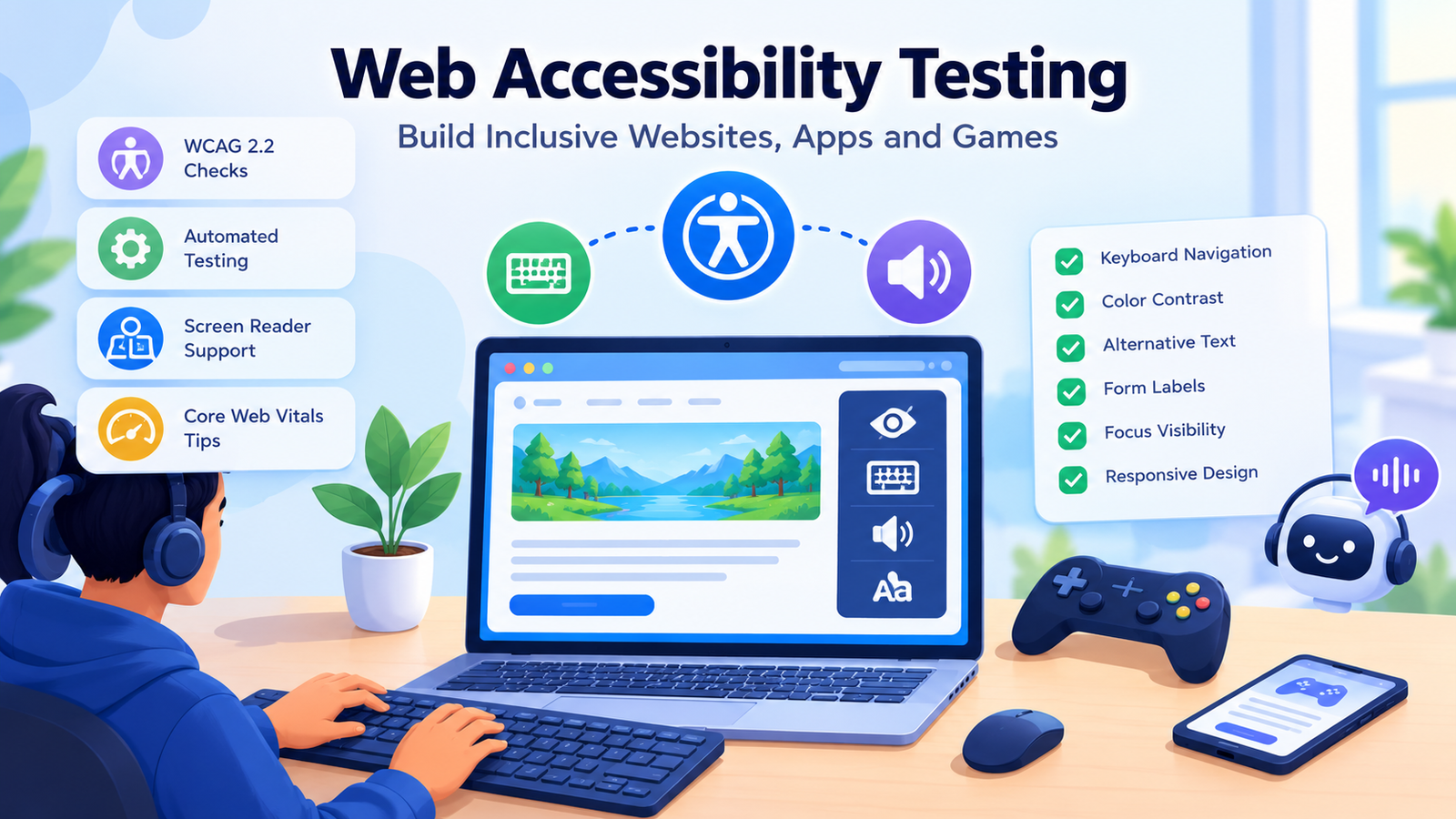
The Web Content Accessibility Guidelines organize accessibility around four principles:
- Perceivable: Information must be available through appropriate sensory alternatives.
- Operable: Users must be able to interact with controls and navigate interfaces.
- Understandable: Content and interface behavior should be clear and predictable.
- Robust: Content should work reliably with browsers and assistive technologies.
Developers should use these principles to evaluate complete user journeys, not just individual interface elements.
WCAG 2.2 Compliance: Essential Checks
WCAG 2.2 introduces additional requirements concerning areas such as focus visibility, target size, dragging movements, consistent help, and accessible authentication.
Many organizations target Level AA, but the appropriate conformance target depends on applicable requirements. Teams should evaluate the relevant success criteria rather than assuming that a high automated score guarantees compliance.
Keyboard navigation and focus
Test every important workflow without using a mouse.
Check whether users can reach links, buttons, menus, dialogs, and form controls using the keyboard. Focus should follow a logical sequence and remain visibly identifiable.
Pay particular attention to:
- Menus that open but cannot be closed with the keyboard.
- Dialogs that lose focus or return users to the wrong location.
- Sticky headers that obscure focused controls.
- Custom dropdowns that do not support expected keyboard interactions.
- Keyboard traps that prevent users from leaving a component.
Touch targets, forms, and authentication
WCAG 2.2 Level AA includes a Target Size (Minimum) criterion that generally requires targets to be at least 24 by 24 CSS pixels or meet specified spacing conditions, subject to exceptions.
Forms should have programmatically associated labels, understandable instructions, and useful error messages. Authentication processes should avoid unnecessary cognitive-function tests unless an applicable exception or accessible alternative is available.
For the authoritative requirements, consult the WCAG 2.2 specification.
Web Accessibility Best Practices
Accessibility becomes easier to maintain when developers choose appropriate interface patterns from the beginning.
Use semantic HTML
Prefer native HTML controls over generic elements that imitate buttons or links. Native controls provide built-in semantics and expected keyboard behavior.
For example, a game audio control can use a properly labelled button:
<button type=”button” aria-label=”Mute game audio”>
<span aria-hidden=”true”>🔊</span>
</button>
The accessible name tells assistive technology what the control does, while the decorative icon is hidden from screen readers. A production toggle should update its label or state when audio is muted or restored.
Improve readability and visual presentation
Practical web accessibility best practices include:
- Maintain sufficient text contrast.
- Provide meaningful alternative text for informative images.
- Use captions for prerecorded videos when necessary.
- Avoid communicating errors through color alone.
- Provide visible keyboard focus.
- Respect reduced-motion preferences for nonessential animation.
- Use clear headings and descriptive links.
- Avoid unexpected changes in interface behavior.
Custom controls need special attention because visual similarity to native controls does not guarantee equivalent accessibility.
For developers exploring interactive browser experiences, the CodeCondo guide WebGPU and WebAssembly browser games offers relevant technical background. Performance-oriented rendering technologies can support sophisticated browser games, but menus, controls, instructions, and status information still need accessible interaction patterns.
Automated Accessibility Testing and Tools
Automated accessibility testing helps identify common issues quickly and makes repeated checks practical.
Useful testing tools
axe DevTools: A browser-based accessibility testing option that helps identify common accessibility violations. Some advanced capabilities require a paid plan.
Google Lighthouse: Available through Chrome DevTools, Lighthouse audits accessibility alongside performance and other aspects of page quality. Its score does not prove complete WCAG conformance.
WAVE: A web accessibility evaluation tool that helps developers visualize accessibility-related information and identify potential issues.
axe-core: An open-source accessibility testing engine that developers can integrate into supported automated testing workflows.
A web accessibility testing tools Chrome extension is particularly useful during development because it allows developers to inspect a page without creating a separate testing environment.
What automated tests cannot verify
Automated accessibility testing can detect many missing labels, certain contrast failures, invalid ARIA relationships, and other programmatically identifiable issues.
However, automation cannot reliably determine whether alternative text communicates the right meaning, whether instructions are understandable, or whether a player can complete a complex game using accessible controls.
Combine automated scans with manual inspection and real-world task testing.
Developers searching for web accessibility testing tools free, online accessibility testing tools, or a web accessibility test free can start with freely available tools and browser features. Availability, usage limits, and advanced functionality vary.
A structured web accessibility testing course can also help developers understand WCAG criteria and testing procedures, but training should be supported by practical implementation and user feedback.
Combining automated and manual web accessibility testing provides a more complete understanding of interface usability. While automated tools identify technical violations, manual web accessibility testing helps developers evaluate real interactions, content clarity, keyboard behavior, and screen reader experiences.
Screen Reader Accessibility for Web Apps and Games
Screen readers communicate page structure, accessible names, control states, and dynamic updates. Developers must ensure that this information is meaningful and available when users need it.
When developing multiplayer browser games, cross-platform multiplayer networking should support consistent accessibility features across different devices. Developers should ensure that chat messages, player notifications, game events, and connection status updates are communicated clearly. Providing keyboard-friendly controls, screen reader-compatible menus, and alternative visual or audio feedback can make multiplayer experiences more usable for a wider range of players.
Testing with assistive technology
Depending on the target platform, useful combinations include NVDA with a supported Windows browser, VoiceOver with Safari, and TalkBack with Chrome on Android.
Test complete workflows such as logging in, searching, changing settings, submitting a form, and recovering from an error.
Check whether:
- Headings and landmarks provide a useful overview.
- Controls announce meaningful names and states.
- Errors are associated with the relevant fields.
- Dialogs manage focus appropriately.
- Dynamic updates are communicated without overwhelming users.
- Users can complete tasks without relying exclusively on visual cues.
Accessibility in browser games
Game interfaces introduce additional challenges because they may contain animated menus, rapidly changing status indicators, complex controls, and audio-based feedback.
Consider providing remappable controls, adjustable subtitles, alternatives for important audio cues, readable status indicators, and options to reduce unnecessary motion.
Canvas-based games may require an accessible DOM interface for menus and status information. Native engine interfaces also require testing on their intended platforms.
For a comparison of two popular engines, read CodeCondo’s Godot vs Unity. Whichever engine developers choose, they should test the interface that players actually use instead of assuming the engine automatically provides accessibility.
Building an Accessibility Testing Pipeline
A repeatable testing pipeline helps teams find problems early and prevent regressions.
A practical testing checklist
Before release, confirm that your team has:
- Run automated scans on important pages.
- Tested complete workflows using only a keyboard.
- Checked focus order and visibility.
- Reviewed labels, headings, landmarks, and form errors.
- Checked contrast, alternative text, and captions.
- Tested representative workflows using a screen reader.
- Reviewed mobile layouts, zoom, and touch targets.
- Measured Core Web Vitals.
- Recorded issues, assigned owners, and retested fixes.
Integrate testing into development
During development: Test individual components as they are built. Shared forms, dialogs, navigation menus, and buttons deserve early attention.
During code review: Run automated checks on representative pages and components. Flag new violations where practical.
Before release: Test complete workflows using keyboards and assistive technology. Include custom interactions that automated scans cannot evaluate fully.
After release: Monitor reports and regressions, especially after changes to authentication, navigation, design systems, or third-party components.
Teams can integrate open-source accessibility testing tools into continuous integration workflows. Test reports should identify the affected element, the violated rule, and the expected correction.
Do not use a single accessibility score as the release decision. A page can score highly and still contain serious barriers.
Core Web Vitals and Accessibility
Core Web Vitals measure loading performance, responsiveness, and visual stability. WCAG addresses accessibility requirements across a broader range of user needs.
A fast website is not necessarily accessible, and an accessible website is not necessarily fast. Teams should test both independently.
The three Core Web Vitals
| Metric | What it measures | Good threshold |
| Largest Contentful Paint (LCP) | Loading performance | 2.5 seconds or less |
| Interaction to Next Paint (INP) | Interaction responsiveness | 200 milliseconds or less |
| Cumulative Layout Shift (CLS) | Visual stability | 0.1 or less |
These thresholds represent Google’s recommended good ranges at the 75th percentile of page visits.
Slow JavaScript execution can delay interactions, while unexpected layout shifts can move controls just as users attempt to select them. Both issues can make an interface harder to use.
Balance performance and accessibility
Developers should optimize performance without removing essential accessibility features.
Useful practices include:
- Optimize images while retaining meaningful alternative text.
- Reduce unnecessary JavaScript and long-running main-thread tasks.
- Reserve space for images and dynamically loaded content.
- Provide understandable loading and error states.
- Preserve keyboard focus during interface updates.
- Test responsive layouts and touch interactions.
Use Lighthouse for controlled diagnostics and PageSpeed Insights for performance analysis. Field data helps teams understand actual visitor experiences, while lab testing helps reproduce specific problems.
Remember that Core Web Vitals do not test keyboard operability, screen reader announcements, or WCAG conformance.
Choosing the Right Accessibility Testing Tools
The right combination depends on the application’s complexity, budget, and development workflow.
| Testing approach | Best use | Limitation |
| Browser extensions | Quick development checks | Limited coverage |
| Lighthouse | Accessibility and performance diagnostics | Cannot establish full conformance |
| axe-core integrations | Repeatable automated checks | Requires manual testing |
| Keyboard testing | Focus and operability | Does not cover every assistive technology |
| Screen readers | Announcements and navigation | Platform-specific behavior |
| User testing | Real-world task completion | Requires planning and participant feedback |
When evaluating website accessibility testing tools, consider framework compatibility, report quality, actionable findings, and ease of integration.
The W3C maintains a Web Accessibility Evaluation Tools List to help teams explore available options.
Start small if you are an indie developer: select one important workflow, run an automated scan, test keyboard navigation, and verify the same workflow using a screen reader. Fix the issues and repeat the tests.
For students and educators developing their technical skills, The Rise of Indie Game Developers provides additional context about the indie development ecosystem. Accessibility testing is a valuable practice to incorporate into that journey.
Teams that want a more structured learning path can also explore how to learn game development online, then apply accessibility checks to their own projects.
Choosing the right cross-platform multiplayer networking architecture helps indie developers maintain consistent gameplay across different devices. An authoritative server, combined with reliable communication protocols, ensures that player actions are validated and game states remain synchronized across connected platforms.
Effective cross-platform multiplayer networking also requires careful optimization of network traffic. Developers should minimize unnecessary data transfers, monitor connection quality, and use prediction and interpolation techniques to maintain responsive gameplay for players with different internet speeds.
Frequently Asked Questions
What is web accessibility testing?
Web accessibility testing evaluates whether people with different disabilities can access content and complete tasks. It combines automated scans, keyboard testing, screen reader evaluation, and manual inspection.
Can automated testing guarantee WCAG 2.2 compliance?
No. Automated tools detect many common problems, but they cannot reliably evaluate every success criterion. Complete evaluation requires manual testing and appropriate assessment of user workflows.
Which free tools can developers use?
Lighthouse, WAVE, and axe DevTools offer useful starting points, while axe-core supports open-source automated testing integrations. Features and limitations vary, so combine tools with manual checks.
How do Core Web Vitals affect accessibility?
Core Web Vitals measure loading, responsiveness, and layout stability. Poor performance can make interfaces harder to use, but good scores do not establish accessibility conformance.
How often should accessibility testing be performed?
Test during development, code review, and pre-release validation. Repeat checks whenever significant interface behavior changes, and periodically review live workflows.
Testing cross-platform multiplayer networking should also include accessibility scenarios. Developers can evaluate whether players using different input methods can join matches, communicate with teammates, navigate multiplayer menus, and understand gameplay notifications. Combining network compatibility testing with accessibility checks helps indie studios build more inclusive games without sacrificing responsiveness or consistent gameplay.
Conclusion
Accessibility should be part of the development process from the first component to the final release. Teams that postpone it may discover structural problems in navigation, forms, menus, and custom controls that require extensive rework.
Effective web accessibility testing combines WCAG 2.2 requirements, automated scans, keyboard navigation, screen reader testing, and realistic user journeys. Core Web Vitals add an important performance perspective, but they complement rather than replace accessibility evaluation.
Start by choosing a representative workflow, running an automated scan, testing with a keyboard, and verifying the experience with a screen reader. Record the barriers, fix them, and add repeatable checks to your development pipeline.
Whether you are building an educational platform, a SaaS dashboard, or a browser-based game, consistent testing helps create more inclusive and reliable web experiences.
Making web accessibility testing a continuous development activity helps teams maintain accessibility as applications evolve. Regular web accessibility testing also makes it easier to detect regressions, review newly introduced components, and ensure that important user journeys remain accessible after every major update.
Accessibility is not a final polish task. It is an essential part of building products that more people can use with confidence.
A scalable cross-platform multiplayer networking solution should also support future updates, additional platforms, and growing player communities. Planning for compatibility, security, and server performance early can help indie studios avoid expensive architectural changes as their multiplayer games evolve.