Wireframing tools help designers, developers, and product teams quickly visualize ideas before development begins. Whether you’re building a website, mobile app, or SaaS product, using a wireframe tool can save hours of design and development time.
The good wireframing tool will allow you to expand upon ideas, see the bigger picture and avoid mistakes along the way. In this guide, we’ve curated the best free wireframe tools you can use to create mockups, prototypes, and UI layouts — without spending a single rupee.
We’ve included:
- Beginner-friendly tools
- Advanced prototyping platforms
- Free tools with generous plans
- Open-source wireframing software
Best Free Wireframe Tools in 2026 (Quick Picks)
If you don’t want to go through the entire list, here are the best free wireframe tools based on different use cases:
Best Overall: Figma – All-in-one UI/UX design and prototyping
Best for Beginners: Wireframe.cc – Simple and minimal interface
Best for Teams: Miro – Real-time collaboration and whiteboarding
Best Open Source Tool: Penpot – Powerful and completely free
Best for Developers: Wirefy – Code-based wireframing approach
Free Wireframe Tools Comparison
| Tool | Type | Free Plan Limit | Best For |
|---|---|---|---|
| Figma | Web | 3 files | All-in-one design |
| Miro | Web | 3 boards | Team collaboration |
| Wireframe.cc | Web | 1 page | Beginners |
| MockFlow | Web | 1 project | UI wireframing |
| Penpot | Web/Open | Unlimited core | Open-source users |
How to Choose the Best Free Wireframe Tool in 2026
Choosing the right wireframe tool depends on your workflow, experience level, and project requirements. Here are a few factors to consider:
Ease of Use: Beginners should choose simple tools like Wireframe.cc or MockFlow
Collaboration Features: Teams should prioritize tools like Figma or Miro
Prototyping Capabilities: Advanced users may need interactive features offered by UXPin or Axure
Platform Type: Web-based tools are easier to access, while desktop tools offer more control
Free Plan Limitations: Always check file, project, or export restrictions
By understanding your needs, you can choose the best free wireframe tool that fits your workflow and project goals.
With hundreds of free wireframing tools available today, choosing the right one can be overwhelming. That’s why we’ve handpicked tools based on usability, features, and free plan limitations to help you make the right choice. I’m going to be including only those tools that offer free plans, as there are literally hundreds of these tools available, and each has a different set of features and options to offer.
Below, we’ve listed the best free wireframe tools in 2026, covering everything from simple mockup builders to advanced UI/UX design platforms. Each tool includes key features, free plan details, and ideal use cases to help you choose the right one quickly.
Here’s a curated list of the most popular and reliable free wireframing tools used by designers, developers, and product teams worldwide.
Read More: Would UX Design Be Automated? – A 7-Figure Designer’s Perspective
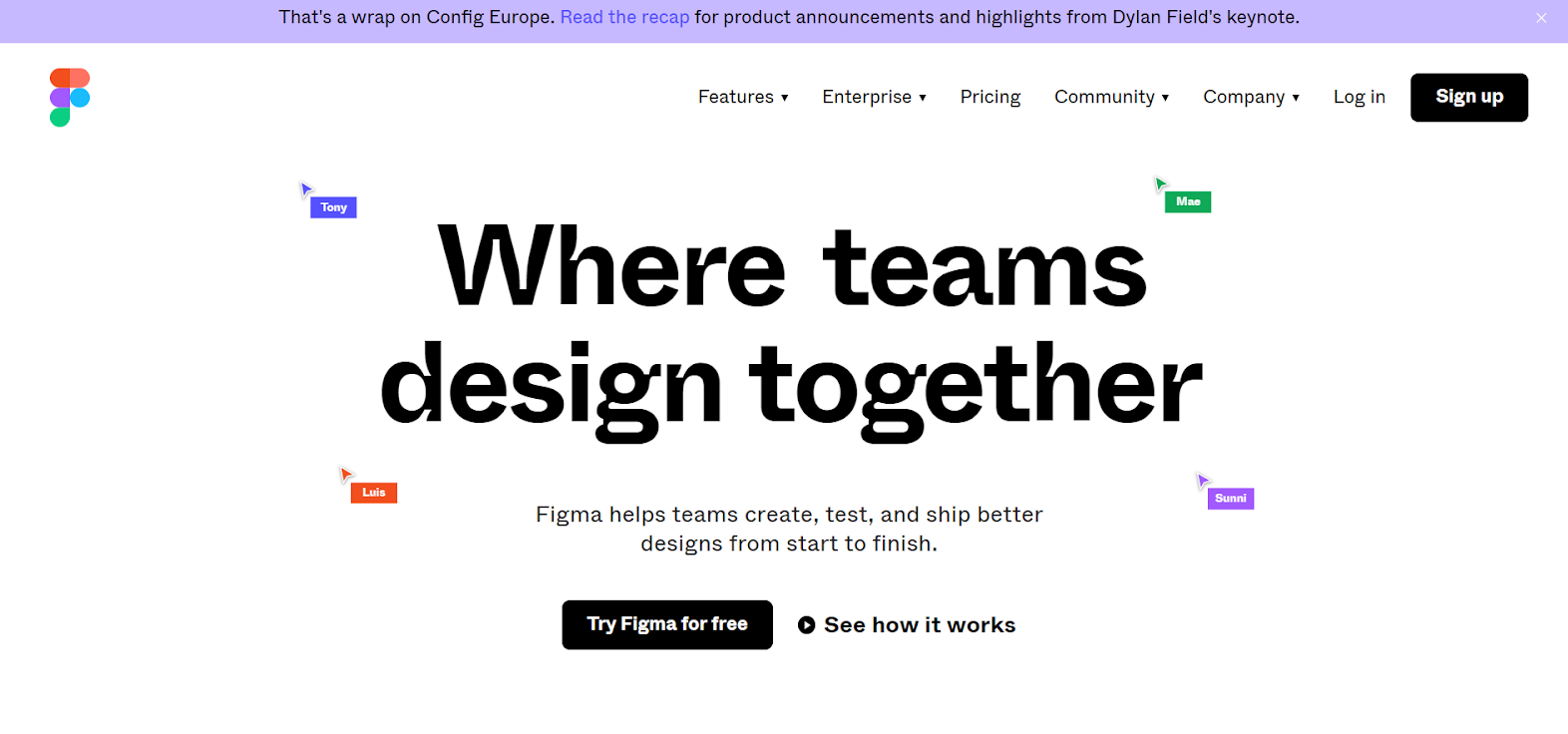
1. Figma – Best Free Wireframe Tool for UI/UX Design
 Type: Web-based
Best For: UI/UX design, prototyping, team collaboration
Free Plan: 3 files, unlimited drafts
Figma is one of the best free wireframe tools in 2026, offering a complete design ecosystem for creating wireframes, prototypes, and full UI designs. Its real-time collaboration features make it ideal for teams, allowing multiple users to work on the same project simultaneously.
One of the biggest advantages of Figma is its flexibility — you can start with low-fidelity wireframes and gradually turn them into high-fidelity designs without switching tools. It also offers a large library of templates, plugins, and UI kits that speed up the design process.
Whether you’re a beginner or a professional designer, Figma’s browser-based interface and generous free plan make it a top choice for wireframing, prototyping, and UI/UX design workflows.
One limitation of Figma’s free plan is the restriction on active design files, which can become limiting for larger teams. However, for individuals and small teams, it remains one of the most powerful and flexible free wireframe tools available today.
2. Wireframe.cc
Type: Web-based
Best For: Beginners and quick wireframes
Free Plan: Single-page wireframes
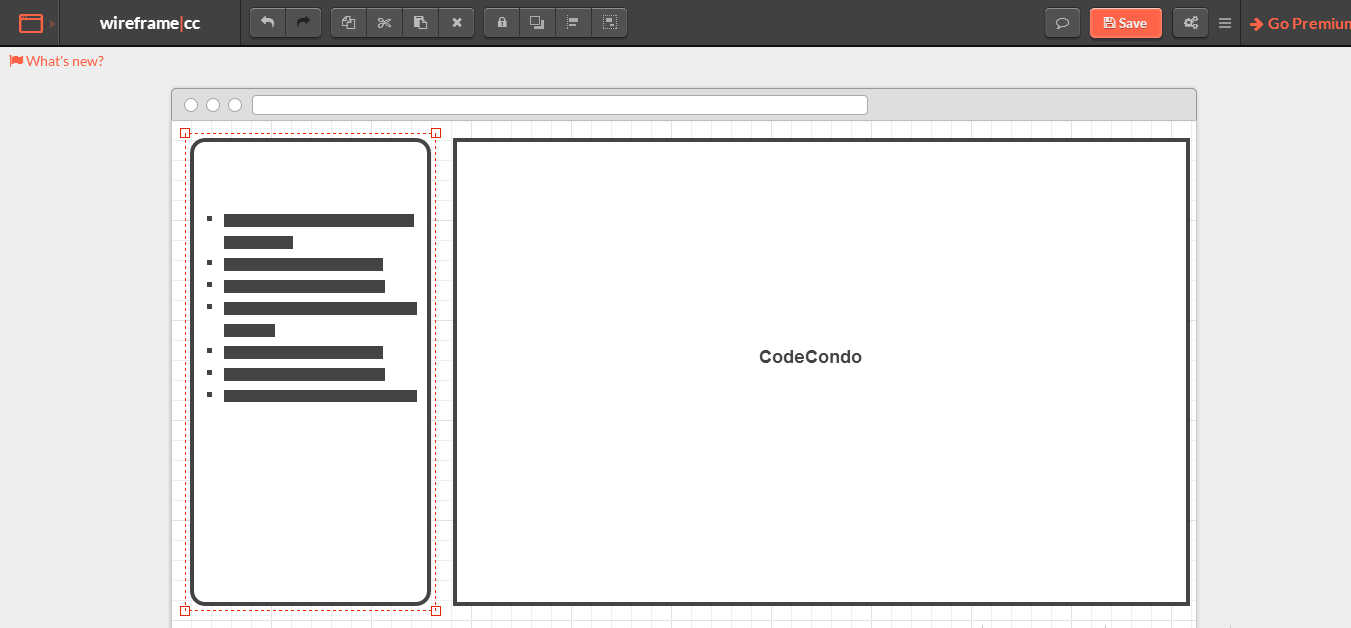
Wireframe.cc is a simple and minimal wireframing tool designed for quickly sketching ideas without distractions. Unlike complex design tools, it focuses purely on low-fidelity wireframes, making it perfect for beginners and early-stage brainstorming.
Its clean interface removes unnecessary options and only shows controls when needed, which helps users stay focused on layout and structure. You can create quick wireframes directly in the browser without any installation.
If you’re looking for a fast, no-learning-curve tool to validate ideas or create rough layouts, Wireframe.cc is one of the best free wireframe tools available.
However, Wireframe.cc is limited when it comes to advanced prototyping and collaboration features, making it less suitable for complex UI/UX projects.
3. Miro
Type: Web-based
Best For: Team collaboration and brainstorming
Free Plan: 3 editable boards
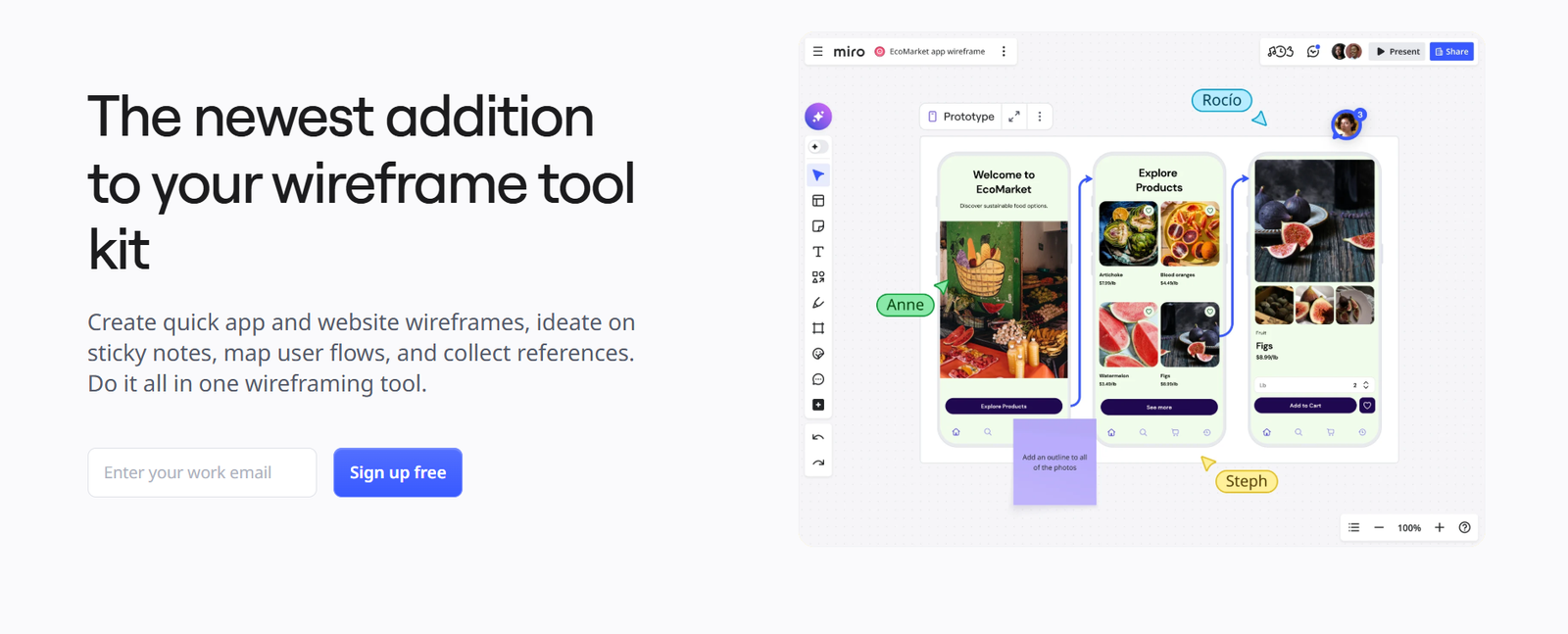
Miro is a powerful collaborative whiteboard platform that goes beyond traditional wireframing tools. It allows teams to brainstorm, create wireframes, map user flows, and collaborate in real time, making it ideal for remote teams and product planning.
With built-in templates, sticky notes, and wireframing components, Miro helps teams quickly visualize ideas and iterate faster. It integrates seamlessly with tools like Slack and Google Drive, making it a central hub for collaboration.
For teams looking for a flexible and collaborative environment, Miro stands out as one of the best free wireframe tools for team-based workflows in 2026.
While Miro is excellent for collaboration, it is not a dedicated wireframing tool, so advanced UI design features may feel limited compared to tools like Figma.
4. Mockplus
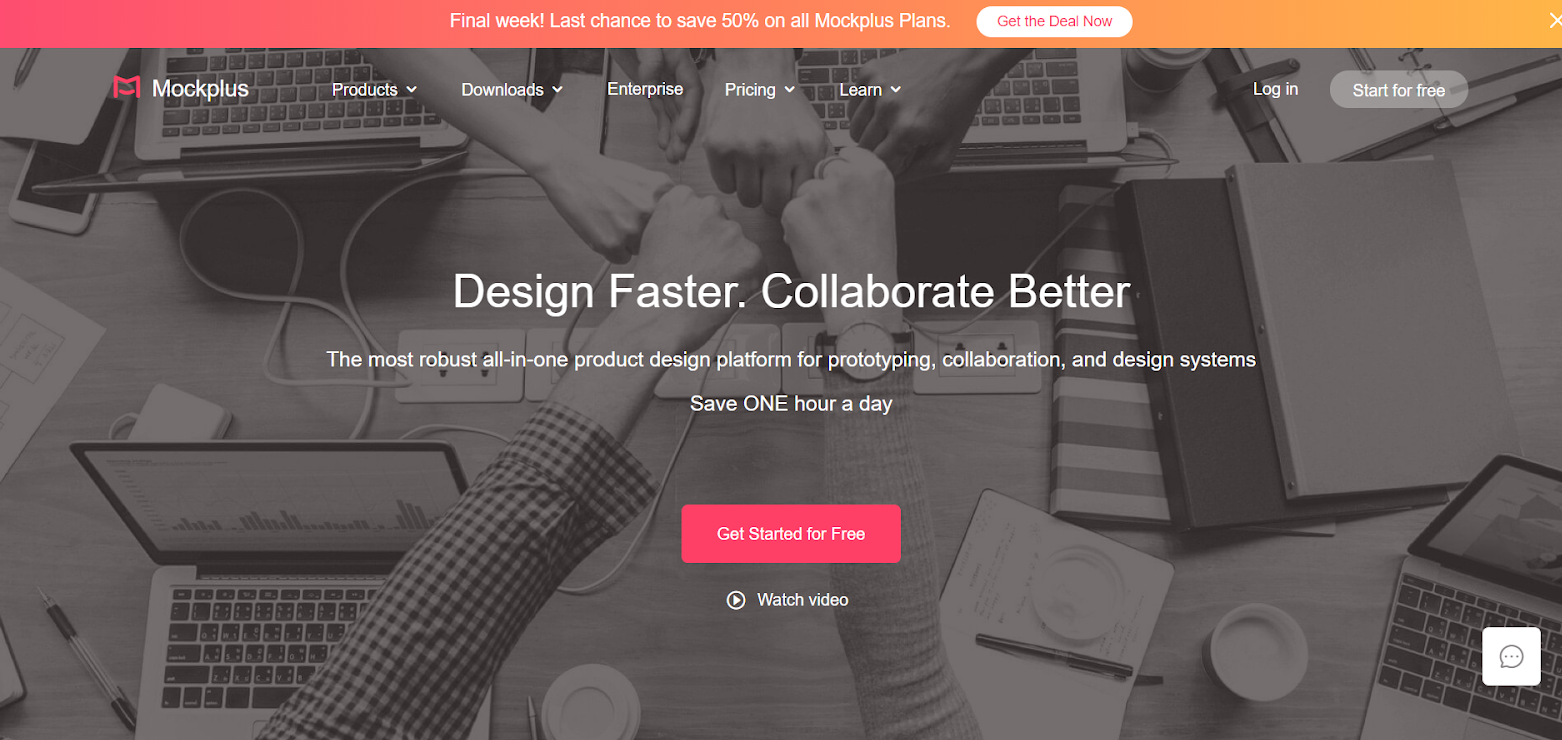
Mockplus is a fast and user-friendly wireframing and prototyping tool designed for creating interactive designs with minimal effort. It offers a drag-and-drop interface along with pre-built components, making it easy to build wireframes and prototypes quickly.
The tool is especially useful for beginners and teams who want to create clickable prototypes without writing code. It supports both mobile and web app design, making it a versatile option for different project types.
If you’re looking for a balance between simplicity and functionality, Mockplus is a solid free wireframing tool to explore.
5. Wirefy
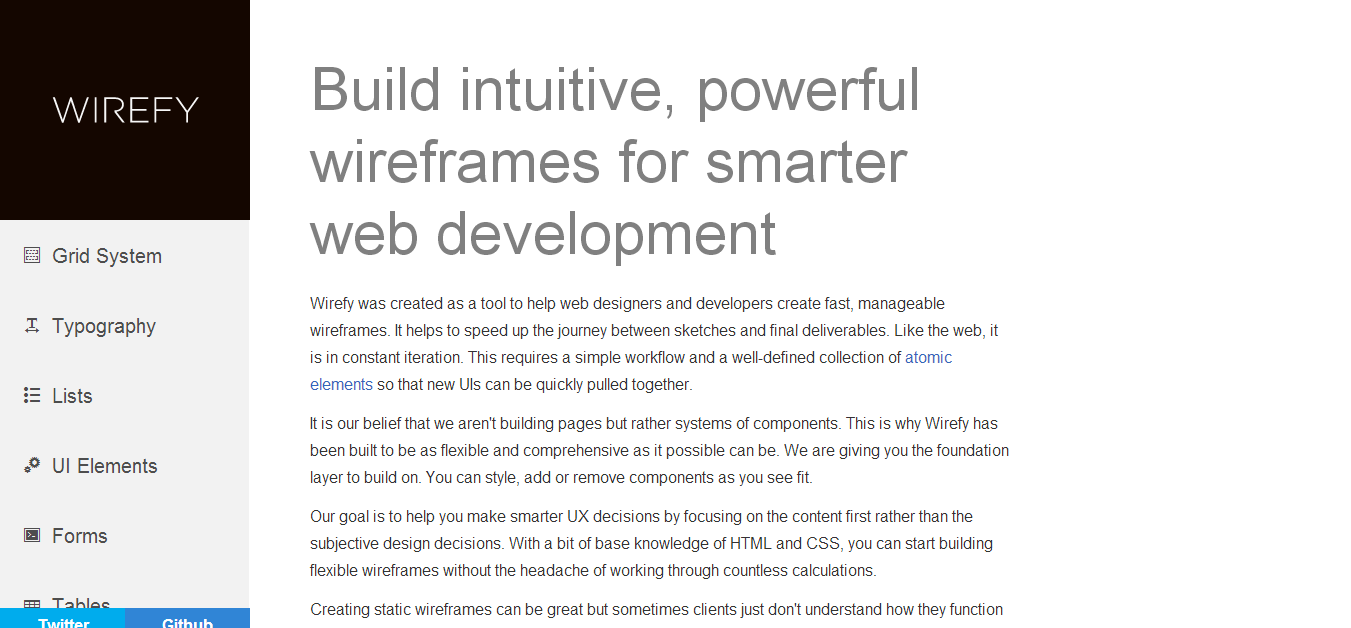
Wirefy is a unique wireframing tool built for developers who prefer working with code instead of visual editors. It uses a content-first approach, allowing you to create responsive wireframes using HTML and CSS.
This makes it particularly useful for developers who want to move quickly from wireframes to actual implementation without switching tools. It helps bridge the gap between design and development.
If your workflow is code-driven, Wirefy is one of the best free wireframe tools for building responsive layouts efficiently.
6. Pencil Project
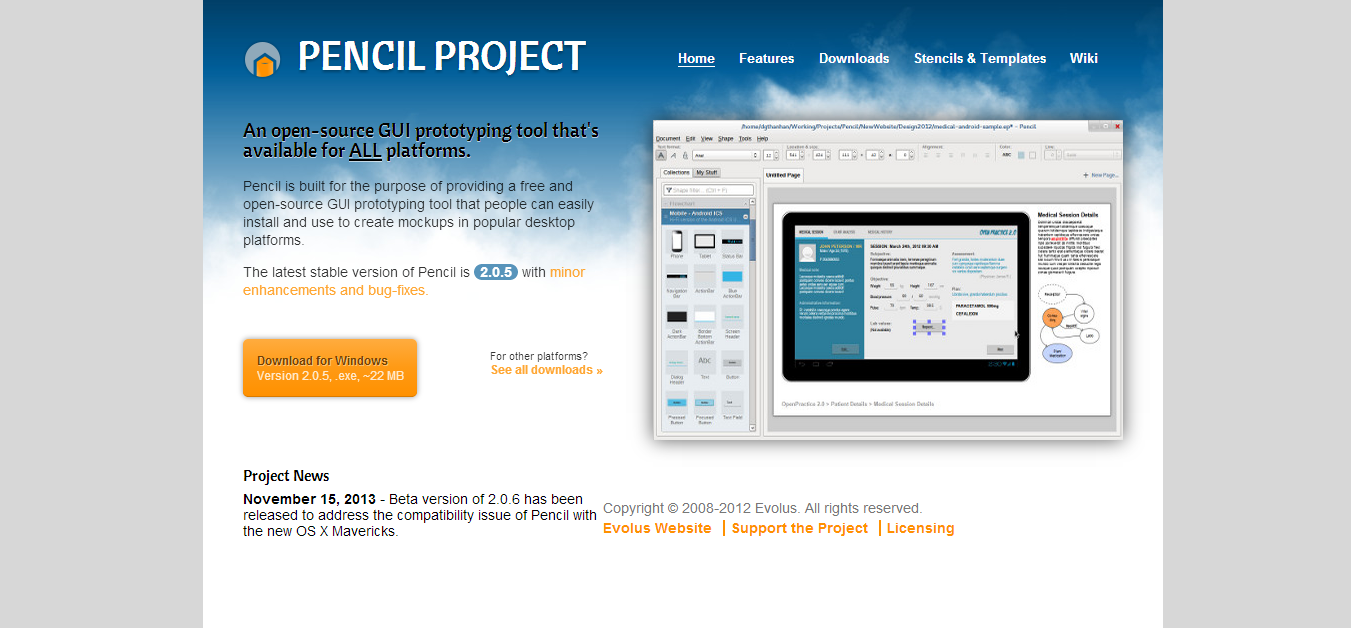
Pencil Projects is great for a lot of things, like mind-mapping for example, or building diagrams. It is however intended to be used for building prototypes and wireframes for web designers. It’s an open source desktop application, which works on most of the platforms today. You can easily build iOS or Android wireframe templates, which will save you a ton of time.
7. UXPin
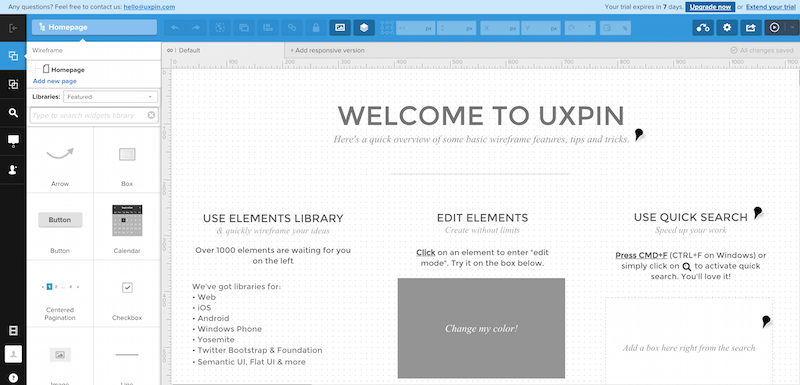
UXPin is a known name in the web design industry, their wireframing and prototyping tool has helped to changed the lives of many web projects. The design of the application is flawless, the feature list is immense, and modern designers will appreciate the ability to import your design files directly from Photoshop and Sketch into UXPin. Custom UI libraries that range from iOS all the way to Android and more! It really does feel like a unique wireframing experience, and it’s 30days free to play with.
8. Balsamiq
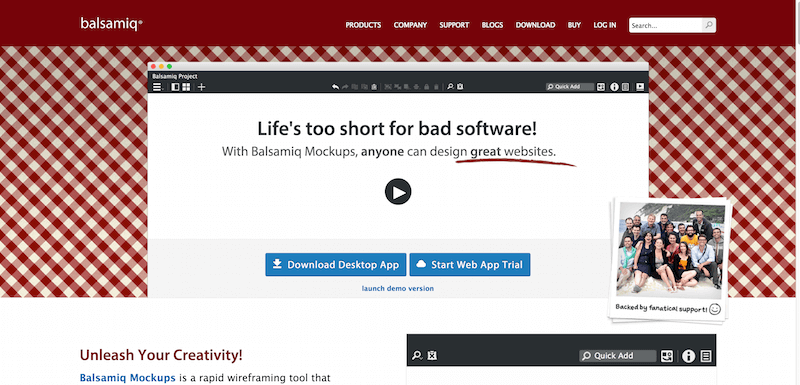
Balsamiq is all about the traditional values of prototyping online, expect fast speed and smart features, especially when it comes to collaboration on projects. You can expect the Balsamiq app to reflect an experience of using a whiteboard to create your prototypes, easy to use, smooth and a ton of fun! Some of the biggest names on the web use their platform to create mockups.
9. Axure
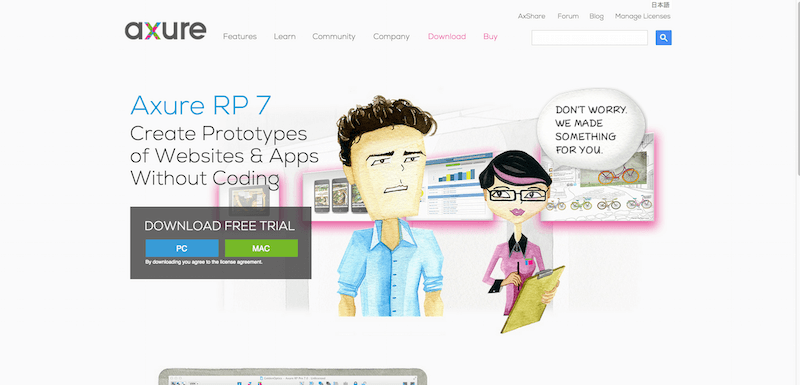
The Axure platform is one of the most versatile standalone apps out there that provide a big variety of features, and allow the creation of the following:
- Mockups
- Wireframes
- Flowcharts
- Prototypes
- Web Designs
- Presentation Slides
- iPhone Mockups
- iPad Mockups
and a big number of Fortune 500 companies believe in Axure to use them on a daily basis.
10. Cacoo
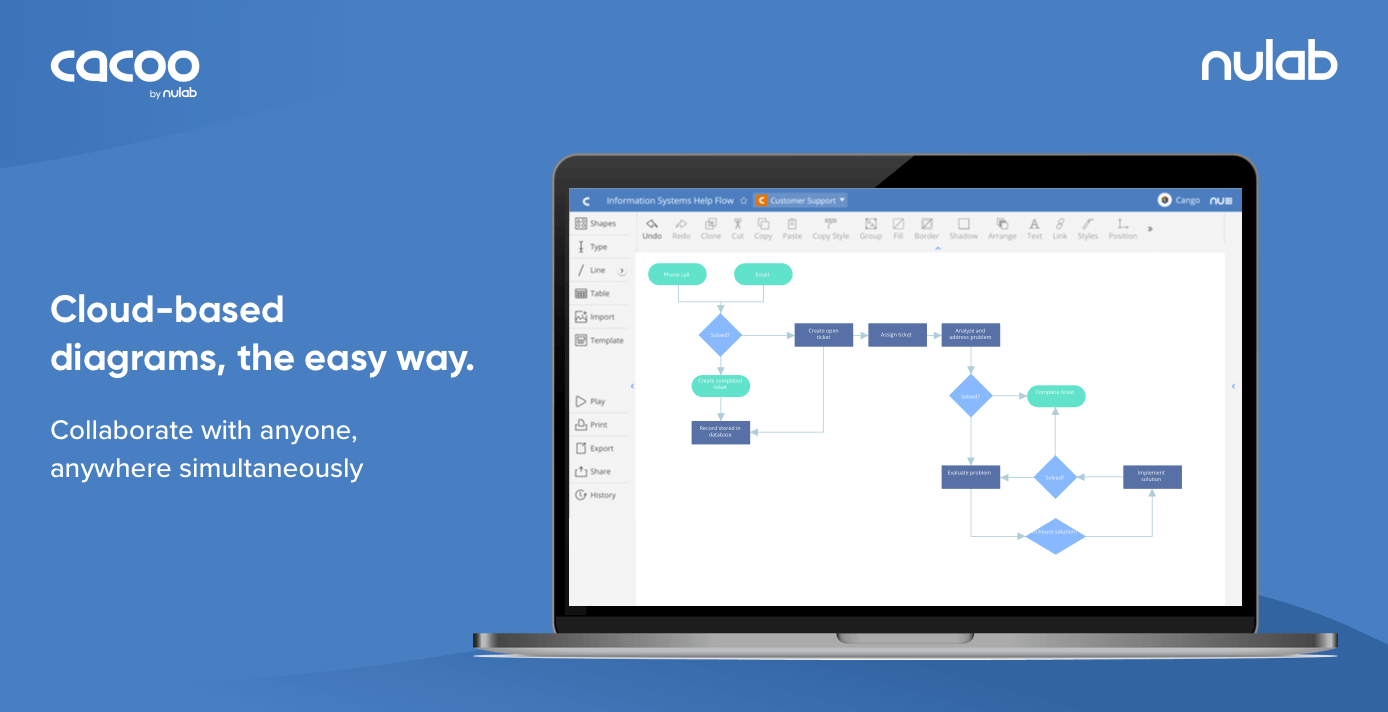
Cacoo is an Online Diagram Software for creating a Flow Chart UML
You can easily create mockups for website designs and even smartphone applications. The free plan will allow you to export the final project only in .PNG format, but I think it’s enough for those freelancers who’re not working with major clients, and mostly need something to expand their ideas upon. A great set of tools and functions come integrated with this free wireframing platform, and it’s easy to upgrade whenever you’re ready.
11. MockFlow
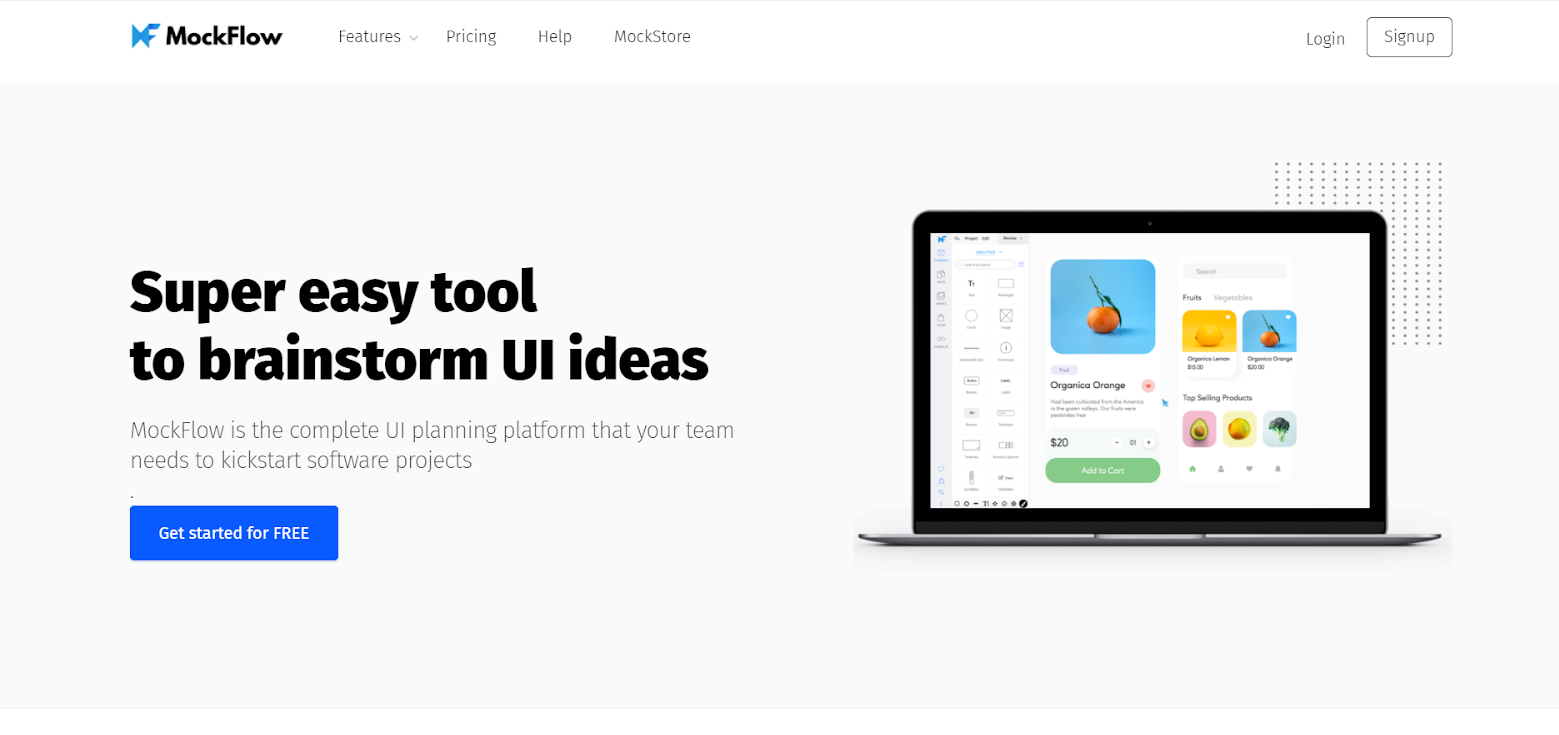
MockFlow is famous for its flagship product ‘WireframePro’ – which is both a desktop & web application for creating, designing, and collaborating on web design projects with your product development team, or by yourself. It’s fully interactive and even enables you to create sitemaps of the project pages you’ve created. You can export in almost every possible format there is, and there are hundreds of features and options to choose from.
The Free plan comes with one design project and one design license.
12. Fluid UI

13. Creately
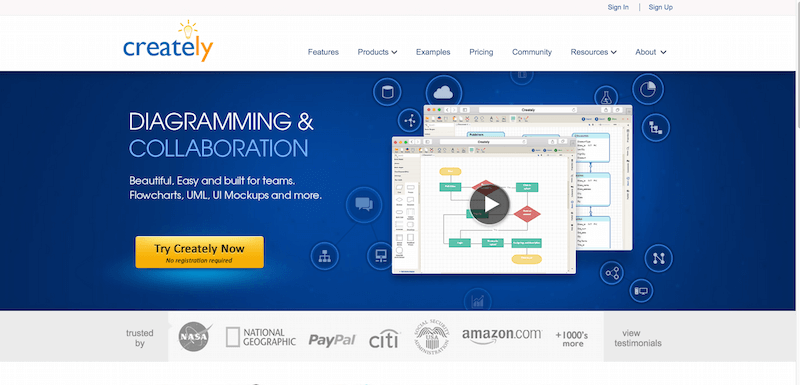
Creately is not a specific platform built for solving the issue with wireframes, rather it is a set of tools built within a single desktop application; tools that can help with things like prototyping, diagramming, and building demos for clients. It is not the cheapest option out there, but the beginner plans are cheap enough to be given a try straight away. I’d love to see some case study reports for this particular tool, are you able to provide any?
Best Wireframe Tools for Different Use Cases
Best Wireframe Tools for Beginners:
If you’re new to wireframing, it’s best to start with tools that are simple, intuitive, and require little to no learning curve.
- Wireframe.cc
- MockFlow
- Pencil Project
These tools help you quickly create basic layouts and understand the fundamentals of UI/UX design without overwhelming features.
Best Wireframe Tools for Teams
For collaborative projects, you need tools that support real-time editing, sharing, and feedback.
- Figma
- Miro
- Whimsical
These tools allow multiple team members to work together, making them ideal for startups, agencies, and remote teams.
Best Wireframe Tools for Developers
Developers often prefer tools that align with coding workflows and allow faster implementation.
- Wirefy
- Penpot
These tools make it easier to transition from wireframes to actual development with minimal friction.
Best Open Source Wireframe Tools
If you prefer free and open-source solutions with full control over your data:
- Penpot
- Diagrams.net
These tools are ideal for developers and teams who want flexibility without relying on proprietary software.
FAQs About Free Wireframe Tools
Q1. What is the best free wireframe tool in 2026?
Figma is widely considered the best free wireframe tool due to its powerful design, prototyping, and collaboration features.
Q2. Are free wireframe tools enough for professional work?
Yes, many free wireframe tools like Figma and Penpot offer enough features for small to medium projects. However, larger teams may need paid plans.
Q3. Which wireframe tool is best for beginners?
Wireframe.cc and MockFlow are great choices due to their simplicity and ease of use.
Q4. What is the difference between wireframe and mockup?
A wireframe focuses on structure and layout, while a mockup includes visual design elements like colors and typography.
Q5. Are there any open-source wireframe tools?
Yes, Penpot and Diagrams.net are popular open-source wireframing tools.
Q6. What are the best free wireframe tools for web design?
Some of the best free wireframe tools for web design include Figma, Miro, Wireframe.cc, and MockFlow. These tools provide features for creating layouts, prototypes, and responsive designs.
Q7. Can I use free wireframe tools for client projects?
Yes, many free wireframing tools offer enough features for client work, especially for small to mid-sized projects. However, premium plans may be required for advanced collaboration and scalability.
Q8. Which wireframe tools support collaboration?
Figma and Miro are among the best free wireframe tools that support real-time collaboration, making them ideal for teams and agencies.
Read More: The Most Important Rule in UX Design That Everyone Breaks
Final Thoughts on Free Wireframe Tools in 2026
Free wireframe tools in 2026 have become more powerful than ever, offering features that were once limited to premium software. Whether you’re a beginner creating your first UI layout or a professional working on complex product designs, there’s a tool that fits your needs.
If you’re looking for an all-in-one solution, Figma remains the best free wireframe tool for most users. For collaboration, Miro stands out, while Wireframe.cc is perfect for quick and simple layouts.
The key is to experiment with a few tools and choose the one that aligns with your workflow, team size, and project complexity.
Regardless, a professional web design business should always think about investing some money into purchasing a solid wireframe/prototype tool that can keep up with the demands of the latest web standards, while free wireframe tools are fun to use and easy to work with, it is difficult to replicate a truly remarkable design which just a lousy list of features. Plus, a lot of the tools on our list do offer some great plans.
I’m ISO (In Search Of) a wireframing app that fits my needs. My criteria are; it must be free (financially, though open source is a plus) as I’m dead broke. It must be downloadable (NOT AN ONLINE / WEB-BASED TOOL) as I always work around the clock, 24/7/365 coding is my addiction! And I don’t always have internet access. It must run on Linux as that is my OS… once again I’m dead broke. And it should not produce a cartoony looking wireframe my reason for that is simply because I hate that, it already looked that way when I first designed it (‘it’ being any given project) on paper with a pencil… also it should be easier than using GIMP to manually draw it (that’s my current method) and should produce wireframes that look as sexy as translucent-blue elements on white background with text in specific elements such as buttons and headers, since that’s what I currently produce and that level of visual apeal is not too over the top to ask for. Also it does not need to produce any code… I’ve built my own tools for that… but if it does, that’s fine I simply won’t use the code… lol I know that whole list is a lot to ask for and if I find it all in one app I’d go buy a lottery ticket, but something close would be nice… any sincere relevant and helpful suggestions that don’t tell me to code my own (already on it) or stop using tool x,y, or z (ie Linux, GIMP, ingenuity specifically designed to bypass the obstacles of poverty, etc) are welcomed.
not a wireframing tool, but why not use InkScape instead of gimp? I think it would be easier to work with it cuz you create objects instead of static draws.
Thank you for the suggestion, I’ve downloaded it, and been meaning to check it out.
Check the Draw of LibreOffice, is powerfull! (and I recomend InkScape too)
You should use “Balsamiq” for this, It is a very good tool to create mockups for web applications, desktop applications and mobile applications.
The following is the link to install Balsamiq on Ubuntu
http://anishdeena.tumblr.com/post/79543943215/installing-balsamiq-on-ubuntu
You should include Balsamiq on your list of considerations.
Balsamiq is not free
It is, if you don’t mind importing / exporting all the time.
balsamiq doesn’t let you export/import without paying.
Great Post, both practical and useful. Mockup Plus is also very useful prototyping tool. http://mockupplus.com.
Mockplus free doesn’t allow export mockups to images. Export to HTML feature doesn’t work yet. It’s useless…
I guess I’m just not getting the need to wireframe when I can create a full color mockup in Photoshop or InDesign just as fast, and it tells the client everything from colors to what will go where. Does wireframing do something that a mockup doesn’t? Or is it just a simplistic version of mocking up that takes out colors, images, etc.?
I think a wireframe allow you and the client to focus on functionality, rather than on colors and pictures, which can get in the way by unintentionally shifting the focus.
Thanks for the response, Kevin. The small businesses that I work with seem to think “making it work” is my job and they just want it to happen. But I can see what you mean. I still think I can do the exact same thing in InDesign or even AI without downloading another piece of software, if there is no other functionality of the wireframe itself.
You can also include SnapUp from QuickFocus.com as one of the choices.
I have recently found this great tool for wire-framing called Visual Spec. Why not give it ago at http://www.visualspec.co.uk
Hello, if you want to make a wireframe offline with your favorite tools discovers SAY-UI.COM It’s an ultimate add-on library for any UI/UX interface designer, ai or project manager. Available on Adobe Indesign CS5.5/CC, Illustrator CS5.5/CC, Photoshop CS5.5/CC (Mac & PC) & Microsoft Office PowerPoint 2011 (Mac & PC). Best regards. Clemence.
Yes! I’m really liking wireframe.cc. Too bad the free version is so limited, but it’s the cleanest and easiest one to use out there. Gonna keep an eye on this one! Thanks for the list.
Of the ones in the article which would be your recommendation for a new web developer who wants to try and do simple layout wireframes for clients and their team? Keep in mind I have never done a wireframe before so I am totally unfamiliar with all that you have listed, TIA! Think newbie wireframe maker :)
Lumzy is not free.
Hi, I’d also add fluidui.com to the list as a prototyping and wireframing tool.
Eileen (from fluidui.com)
Did you find any tool to create responsive mockups? Than you for the article, very useful.
Another one you might consider adding to your list: http://www.justinmind.com/
Lucidchart is a great tool with wireframe capabilities. There are free trials available. https://www.lucidchart.com/pages/examples/wireframe_software
Lot of this tools are not free, your title is misleading.
Agree with Ulises in terms of ‘misleading’ part.
You should draw distictions between,
– freemium
– free trial (either time and/or functionalities)
– really free
I see the distictions as;
– freemium : it has good layer of functionalties with limited ‘resptrctions’ while providing premium features. This may include private vs. enterprise use where the later is paid.
– free trial : Either giving full functionalities with very short “trial”. This is not to be considered “free” tools.
– really free : As it says, free for everyone and wellcome any donation to move on.
I might have the definitions little hazy. But, my point is have some clearer meaning behind each tool..
.. I use lucidchart (for drwaings: use case, flow charts)
I am on one user account with limitation on drawing no more than 60 components per sheet. This plan is free forever until you need to be Pro plan.
.. I also use PowerMockup for trial version limited number of shapes that cna be accessed. It is verstile in Mock Up, wireframing and everyday powerpoint works (as not a designer). I moved on to paid version as I found moving things between the applcaitons OR dowload (or export then import… whatever they call them) so unproductive, especially your main thing is with PowerPoint.
Unless you are student or staff at a non-profit, you do need to appreciate what it does for your job. Someone commented wireframe.cc is excellent tool but freebie limited… Trying things out is for choosing the right SW, right?
If you are wandering around to check out what wireframing is about but don’t want to purchase. Hmm, he/she is not serious about the job, right? I do see the list of tools like this a lot..
My point is that I would appreciate the list a lot more (I appreciate as it is now) if the focus review is “fit for purpose” rather than “good as it is freebies”
There are still tons of people not using tools at all but PowerPoint. They still call themselves ‘pro’. It makes sens because they are not in for actual end design work but for “what to build” in a way comunicative enough with client and the team.
Hi Alex, I’d like to recommend that you include Mockplus into this list. A superbly EASY TO USE tool let you create a prototype page in few minutes: http://www.mockplus.com/download . Neither programming knowledge required, nor training required.
Yes, I also find this cool design tool http://www.mockplus.com/ . It is very easy and clean to make prototype design, especially for mobile app design. You guys could give a try of it if you are interested in it.
free mockups at http://mockupcatalog.com
UXPin’s design is far from “flawless”.
I didn’t think there were a lot of wireframe setups anymore. Seems to me like most of these new websites are templates out of a box and nothing special. Hopefully more people see what you have here and go for a more custom site.
Cool post!
Ashley
Thanks for this list. Any tools for creating wireframes for desktop apps? I know it’s old fashioned, but some of us are still doing that work.
Alex. Great effort. Brilliant work, you saved us so much time. Thank you!
Agree w/ Alex C, I need something on the desktop since my internet provider makes me swear a lot. :)
Thanks for sharing. I have been using Balsamiq, Proto.io, and Invision to design wire frames and Mock ups but the above tools seems to be interesting too. Its great to explore new tools…:)
Thanks for the awesome list of wireframing and mockup tools
Thanks For Share This Blog !!!!
Thanks for the share loves form Web
Wow! These tools are for free? That’s wonderful!
Thank you for sharing this blog!
Nevertheless, If you guys wanted responsive and custom-made websites that are designed to meet the online market standards at affordable prices, visit pixelprint.design – services
Awesome! Thank you for sharing with us.
Very Best of all Articles.Thanks .. Keep up :) Keep Writing.
You always know how to make complex topics so understandable. Thanks!