Last updated: March 2026
Choosing the right or best C/C++ IDEs for Linux isn’t as straightforward as it used to be. If you’re searching for the best C/C++ IDEs for Linux or Ubuntu, then you have come to the right place.
With dozens of IDEs and code editors available today — each claiming to be fast, lightweight, or feature-rich — developers often end up spending more time configuring tools than actually writing code. Whether you’re just starting with C programming or working on complex C++ projects, the IDE you choose directly impacts your productivity, debugging efficiency, and overall development experience.
Linux, being the preferred environment for developers and servers alike, offers a wide range of IDEs — from minimal editors to full-fledged development environments. But not every tool is built for every use case.
In this guide, we’ve not only listed the best C/C++ IDEs for Linux, but also broken them down based on real-world use cases — so you can quickly decide which IDE fits your workflow, experience level, and project requirements.
But before going to the section, first, let’s understand the importance of these 2 programming languages and of course about the IDEs and Code Editors. Remember that knowledge is important to mention when applying for Linux software development jobs.
By the way, if you want to read more articles about programming, you can visit Thoughtsoncloud.com
Let’s get started.
More About C & C++
Often C is called the mother of all major programming languages. It was 1st developed in the year 1972 and is also considered by many as the first high-level programming language. Apart from these, C is the only programming language that has survived for the longest period of time in the history of the programming world.
While talking about C++, we can say that definitely it has influenced several other programming languages such as Java or C#. To your surprise, initially, C++ was called the new C, as it was inspired by C. Although, C++ was built upon the C framework, it included numerous new features and functions which helped it to gain popularity.
Differentiating IDEs & Code Editors
IDE or Integrated Development Environment is a tool or software that allows you to write, edit, modify, run, execute, debug and deploy your code. It gives you all these features under one roof or environment making your work more efficient and productive.
Similar to IDE, Code Editors also allows you to write codes. However, it has comparatively fewer features but is lighter and fast. In recent times, thanks to all the modern developments, the difference between them has been blurred but still, programmers use both Linux IDEs and code editors with their ease.
The following are the differences between an IDE and a code editor:
- When a collection of software development tools is used and implied to simplify the process of coding then it is known as integrated development environment or IDE. Whereas code editors are a type of text editors that have professional in-built sophisticated capabilities for performing specific functionalities.
- The simplification of the entire process of writing the codes and developing the software is done by IDE. This is done by combining multiple components of a computer program. On the other hand, code editors are used to ease the design and speed up the process of editing and creating code.
- IDE is equipped with writing several language codes but code editors can write only specific language codes. It does not support all languages.
- Integrated development environment has some specific features such as syntax highlighting, auto-completion, brace matching, etc. Whereas the features of a code editor include compiling and editing text, debugging, unit testing, syntax highlighting, code completion and so on.
Why IDEs or Editors for only Linux & Not Windows or Mac?
If you have searched for something like top C/C++ IDEs for Linux then you already know the answer to the above question. Still, for those who are new to Linux, well, there are several advantages of Linux. The biggest one is its security, and because of this, the majority of the servers in the world are created by using Linux.
Earlier, Linux was more complicated than Windows, but with recent developments, it has become more user-friendly. Now, it is easy for any Windows user to switch to Linux.
Apart from security, it is also open-source, free, and stable. Unlike Windows, you can view and modify the source code as per your needs. You don’t even have to pay for anything. You can access the majority of the basics and advanced software for free which reduces your cost significantly.
Furthermore, it is not prone to crashes which makes it highly stable and fast. Lastly, it has a huge community for support, comes with easy maintenance, is highly customizable, and with recent applications, it has become very easy to use.
Read More: Learn Linux OS Basic Commands From Scratch
How to Choose the Best C/C++ IDEs for Linux
Before jumping into the list, it’s important to understand that the “best” IDE depends on your specific needs. A tool that works perfectly for a beginner might slow down an experienced developer working on large-scale applications.
Here are a few key factors to consider:
1. Performance & Resource Usage
If you’re working on a low-end system or prefer a fast, distraction-free environment, lightweight IDEs or code editors are a better choice. Heavy IDEs can offer more features but may consume more memory and CPU.
2. Beginner vs Advanced Usage
Some IDEs are designed for simplicity and ease of use, while others come with advanced debugging, refactoring, and build tools. Beginners should prioritize ease of setup, while professionals may need deeper control and integrations.
3. Debugging & Development Tools
A strong debugger, syntax highlighting, auto-completion, and error detection can significantly speed up development. These features are especially important for C++ due to its complexity.
4. Plugin & Extension Support
Modern development often relies on extensions. IDEs with strong plugin ecosystems allow you to customize your workflow and add missing features easily.
5. Cross-Platform Compatibility
If you work across Linux, Windows, or macOS, choosing a cross-platform IDE ensures consistency in your development environment.
6. Project Type & Scale
For small projects or learning purposes, a simple editor might be enough. But for large-scale applications, you’ll need an IDE with project management, build automation, and version control integration.
Keeping these factors in mind will help you choose an IDE that actually improves your workflow instead of slowing you down. These factors will help you choose the best C/C++ IDE for Linux based on your specific needs.
Best C/C++ IDEs for Linux in 2026 (Top Tools for Developers)
In today’s time, the world revolves around digitisation. Everything seems impossible without digital intervention and nothing seems to be working without programming. Thus, coding and programming have become inseparable parts of our world. C is considered to be the foundation or building block of all programming languages and its contribution to the digital world cannot be overlooked. C++ was developed as an extension of C but is a separate programming language with additional features like object-oriented programming. It is more advanced and is equipped with writing complex codes.
The existence of C or C++ stands with no significance if they are not associated with IDEs. Based on our experience working with developers and testing multiple IDEs on Linux environments, some of the best C++ IDEs for linux or C IDEs are as follows:
CLion (Best Professional C++ IDE for Linux)
CLion, developed by JetBrains, is a premium IDE specifically designed for C and C++ development. It is widely used by professional developers working on complex and large-scale projects.
Unlike lightweight editors, CLion comes with a fully integrated development environment that includes advanced debugging, smart code analysis, and seamless integration with modern build systems like CMake. Its intelligent features, such as code refactoring and real-time error detection, make it a powerful tool for improving code quality and development speed.
Although it is a paid tool, many developers prefer CLion for its reliability, deep feature set, and strong support for modern C++ standards. It is widely considered one of the best C++ IDEs for Linux for professional development.
Best For: Professional developers and teams working on large or complex C/C++ projects.
- Supports multiple languages like HTML, CSS, JavaScript, Python, XML, Objective-C & others
- Smart modern editor & embedded terminal
- Advanced debugging, syntax highlighting, and memory analysis tools
- Smart code completion and refactoring
- Numerous Plug-ins
- Supports Git, CVS, perforce, TFS & Mercurial
- Ideal for large-scale projects
- Easy navigation to context usage or symbol declarations
- Easily integrates with Google test frameworks
- Excellent support for CMake and modern build systems
- Cross-platform support
- Paid license required after trial
- Higher system resource usage
- Not ideal for beginners or small projects
Eclipse
Eclipse is a free and open-source IDE that is developed by IBM and is written in Java language. It is another well-known C/C++ Linux IDE that is used regularly for programming. This IDE supports almost 30 programming languages and is well-known for its vast community. This tool offers great GUI along with drag & drop functionality to the users. It comes in handy for arranging interface elements.
Advantages:
- Highly productive
- Supports multiple languages & is cross-platform
- Includes good debugger, compiler & syntax highlighter
- Code auto-completion
- Remote system explorer & profiling
- Attractive GUI
- Exclusive C/C++ development tools
- Source code refactoring
- Supports folding & hyperlink navigation
- Availability of knowledge tools like in-built browser, macro definition browser, type hierarchy, call graph
Disadvantages:
- Large size
- Difficult to add plugins
- Not ideal for low-end computers
- Little slow
Code::Blocks (Best C IDE for Beginners on Linux)
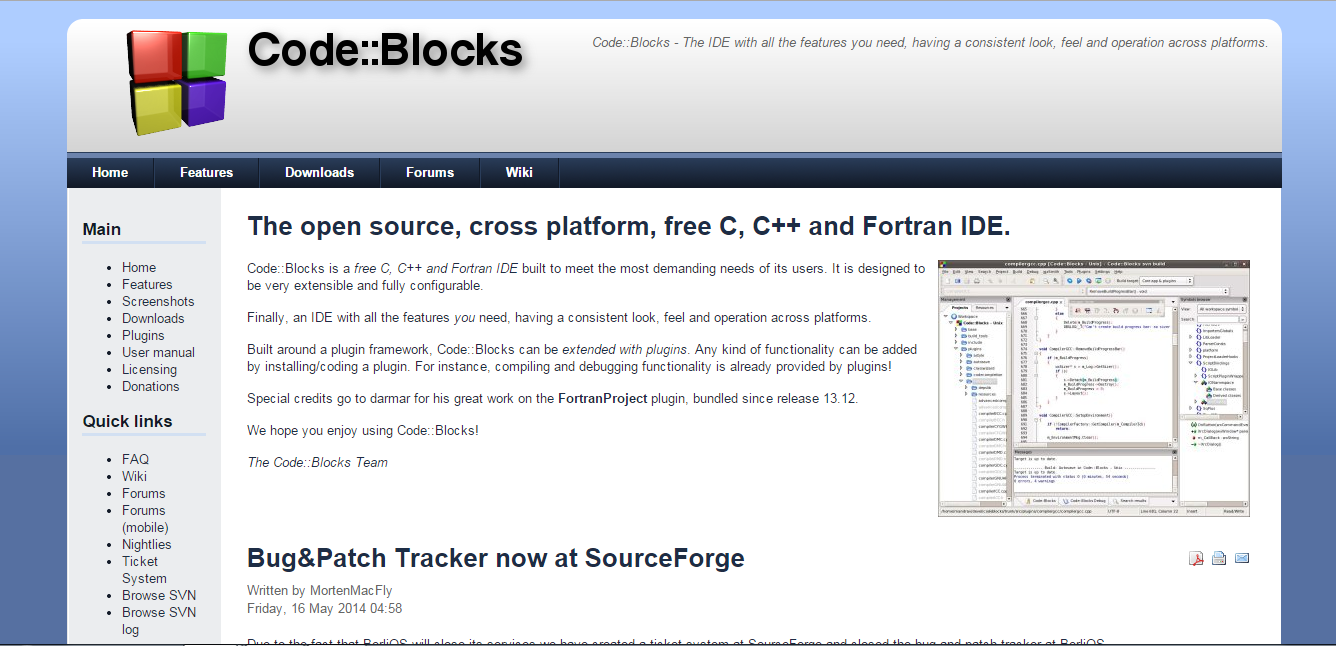
Code::Blocks is a free, open-source IDE that is widely recommended for beginners learning C and C++ on Linux. It offers a simple interface with all the essential features needed to start coding without unnecessary complexity.
One of its biggest advantages is ease of setup. Unlike many modern tools that require configuration, Code::Blocks works almost out of the box, making it ideal for students and beginners. It also supports multiple compilers and provides basic debugging and project management features.
While it may lack some advanced capabilities, it remains a reliable choice for learning and small to medium-sized projects.
Best For: Beginners and students starting with C/C++ programming.
Advantages:
- Highly configurable & extensible
- Lots of plugins
- Consistent user interface
- Includes multiple compilers
- Syntax highlighting, debugger & auto code completion
- Superfast
- Multi-target projects
- Display local functions, symbols and arguments
- Custom memory dump
- Supports C, C++ & Fortran and multiple platforms
Disadvantages:
- Poor code completion
- Hard to make the code readable
- More Complicated
Visual Studio Code (Best C/C++ IDE for Linux Developers)
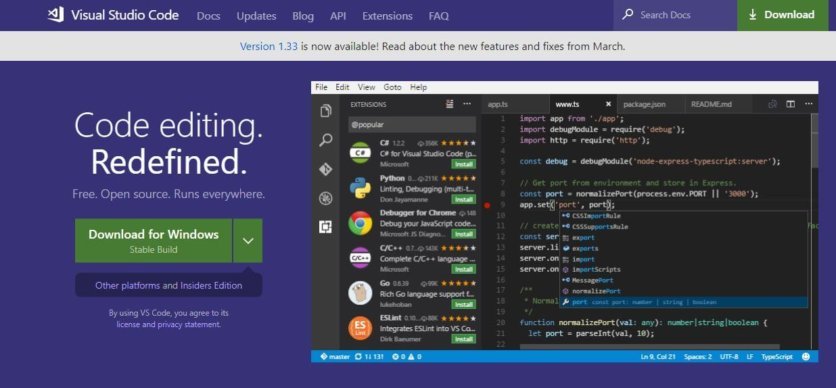
Visual Studio Code (VS Code), developed by Microsoft, is one of the most widely used code editors for C and C++ development on Linux. While it is not a full-fledged IDE by default, its powerful extension ecosystem allows it to function like one.
What makes VS Code stand out is its balance between performance and flexibility. Whether you’re working on small programs or large-scale applications, it can be easily customized to match your workflow. With the official C/C++ extension, developers get features like IntelliSense, debugging, and code navigation out of the box.
It is especially popular among developers who prefer a lightweight yet powerful environment without the overhead of traditional IDEs.
Best For: Developers looking for a flexible, lightweight, and highly customizable development environment.
Advantages:
- Lightweight and fast compared to traditional IDEs
- Strong support for C/C++ via official extensions
- Built-in terminal and Git integration
- Intelligent code completion (IntelliSense)
- Huge extension marketplace for customization
- Cross-platform (Linux, Windows, macOS)
Disadvantages:
- Requires extensions for full IDE functionality
- Can become resource-heavy with too many plugins
- Initial setup may take time for beginners
To know more about Visual Studio Code, you can read “Visual Studio Code Is So Popular, But Why?”
Read More:
- Getting started with Visual Studio Code & Microsoft C/C++ extension
- #15 VSCode Extensions for Front-End Developers
NetBeans
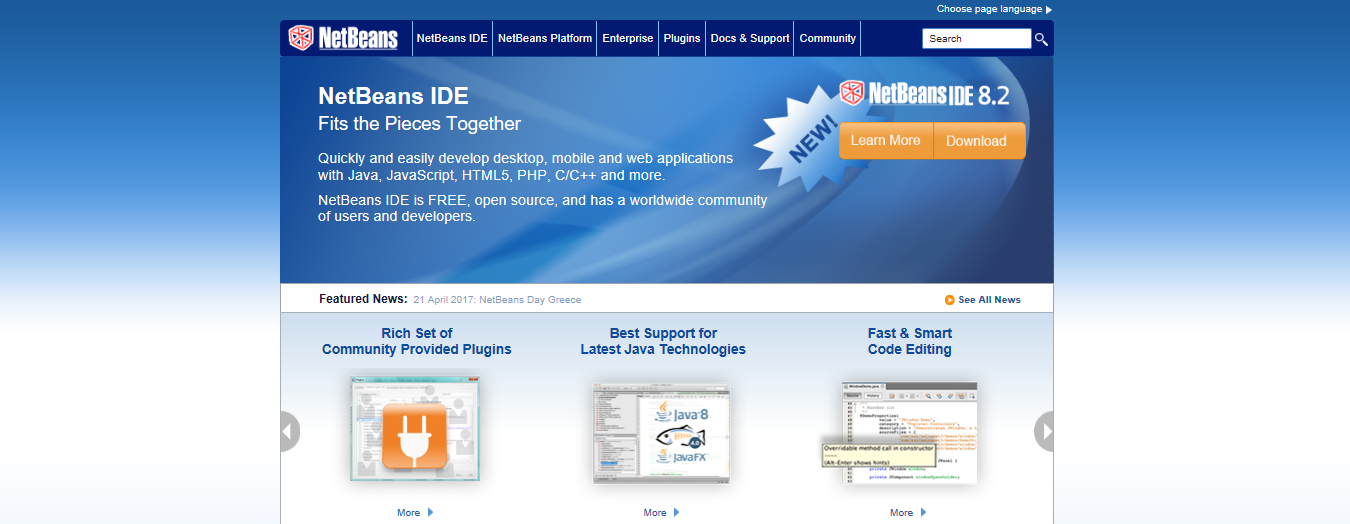
This IDE is another open-source tool for C/C++ development over Linux. It was developed by Apache Software Foundation, Oracle Corporation. It is considered to be one of the best IDEs for C++ development. NetBeans has a great design that shows all the projects in the project window and allows you to create dynamic as well as static applications. Its drag and drop feature is what makes it one of the highly recommended IDEs.
As it also supports PHP & front-end development, NetBeans has gained popularity among web developers. But actually, it is its file navigation and remote development features that make it a good IDE for C/C++ programming in Linux. In the majority of the cases, programmers use NetBeans for Java development along with C/C++.
Advantages:
- Supports multiple languages and different platforms
- Debugger & intelligence code completion
- Can create C/C++ apps with static and dynamic libraries
- Code refactoring & unit testing
- Qt toolkit support & is preferred for large-scale projects
- Multiple compilers support like Oracle Solaris Studio, MinGW, GNU, Clang/LLVM & Cygwin
- File navigation & source inspection
- Support for code assistance & remote development
Disadvantages:
- Heavy software
- Takes time to load
Sublime Text Editor
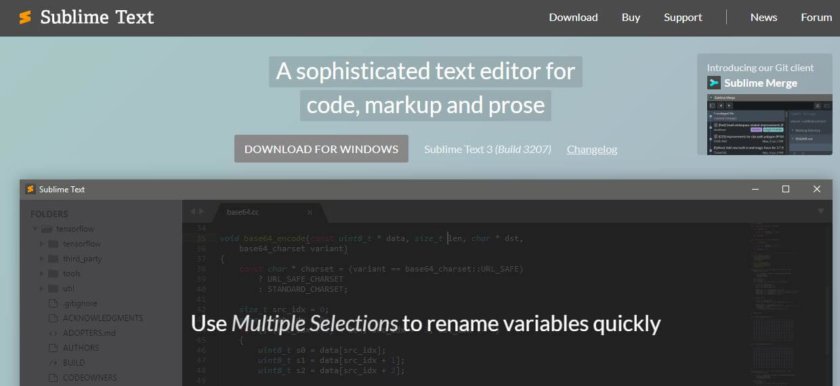
Despite being a text editor instead of an IDE, it includes several features and is well-refined. It is designed for code, prose and markup. Programmers regularly use Sublime Text Editor for writing C/C++ code using Linux. Furthermore, it also offers great UI and allows users to add various community-built plugins for enhancing the existing functions.
Advantages:
- Supports multiple languages & multi-platform compatible
- Split editing
- Fast & highly customizable
- Supports many plugins
- Multiple selections
- Command palette
- Distraction-free mode
- Goto anything functionality
- Project switching
Disadvantages:
- Stability issues
- It’s not an IDE but a text editor
- Inadequate language support
CodeLite
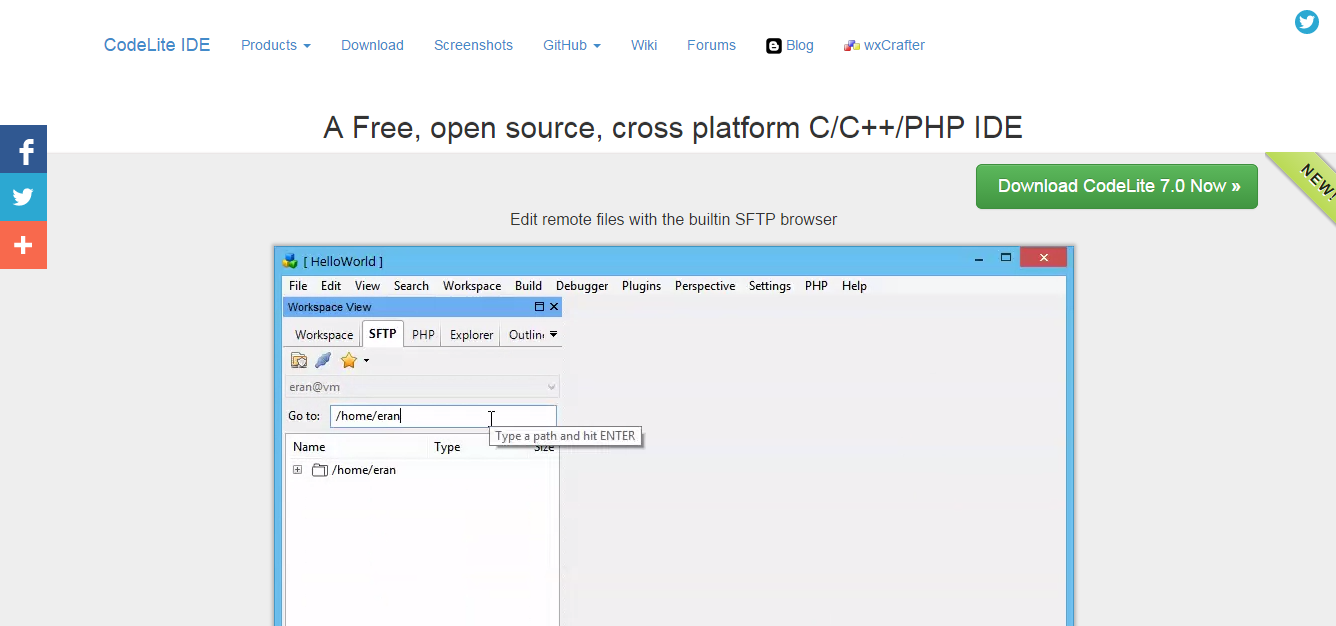
CodeLite is an IDE that is known for its simplicity and lightweight. The most unique and favourite feature of this IDEs is its ability to refactor code. It supports macOS and Windows. It is a great IDE if you want to perform the function of debugging and testing in C++. With the help of CodeLite, developers can easily develop cross-platform graphic designs. Some even consider it the best C++ IDE as it is specifically developed for C/C++, PHP & JavaScript (Node.JS) programming. It gets regular updates and has good support on GitHub. This tool is also packed with 2 code completion engines that provide improved code completion and better suggestions.
Advantages:
- Open-source & free
- Supports different platforms
- Lot of plugins to choose from
- Spell checker & supports static code analysis
- Easy to find installed compilers like clang/VC++, GCC & others
- Code navigation
- Refactoring support
- Built-in SFTP for remote development
- Rapid development cycle
- Modest memory footprint
- Support for LLDB next-generation debugger
Disadvantages:
- Boring UI
- Limited customization options
GNAT Programming Studio
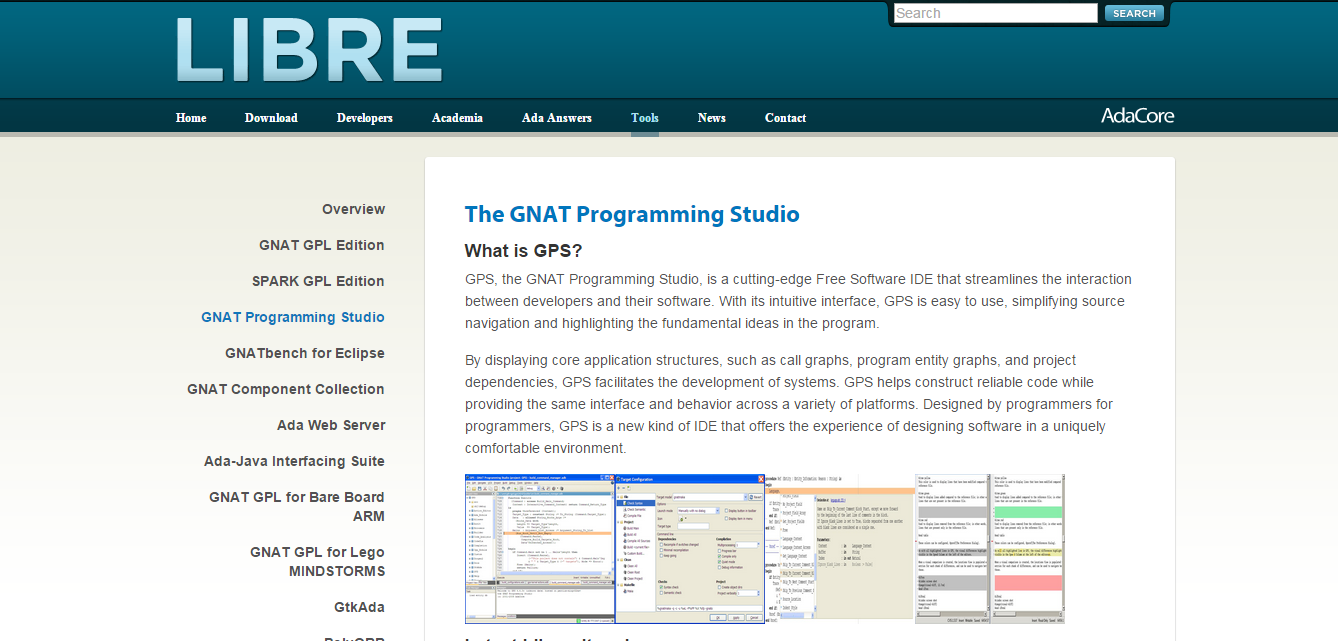
This tool is a complete IDE that is specially created for languages like Ada or C/C++. It is specifically developed for the purpose of unifying the communication and interaction between a developer and the code that he/she is trying to develop. It is ideal for programming and building software as it also comes with the feature of source navigation. It is a highly comfortable and user-friendly IDE. It comes with a wide range of tools that you can integrate without any difficulties. GNAT Programming Studio offers high-level programming for creating comprehensive systems.
Advantages:
- Versatile & extensible
- Highly customizable & developer-friendly
- Intuitive user interface
- Flexible multiple document interface
- Debugger & built-in support for remote programming
- Along with C/C++, it supports other languages like Python, Ada and others
- Advanced code intelligence & navigation features
- Easy integration of third-party version control systems
Disadvantages:
- Difficult to find tutorials
- Not good user community
Qt Creator

It is a cross-platform IDE designed for creating UIs, applications and connected devices. This IDE is free of cost for freshers and developers with experience who need a commercial licence for using this particular IDE. It supports Windows, macOS and Linux. It helps you to create more rather than just coding for the application. You can use it for creating desktop and mobile applications along with connected embedded devices.
Advantages:
- Well-designed IDE for C++
- Excellent documentation
- Stable on all platforms & supports different languages
- Version control & sophisticated code editor
- Project & build management tools
- Great syntax highlighting and auto-completion
- Supports CMake & built-in Qt GUI editor
Disadvantages:
- Complex build process
- Poor refactoring & multi-window mode support
VIM Editor
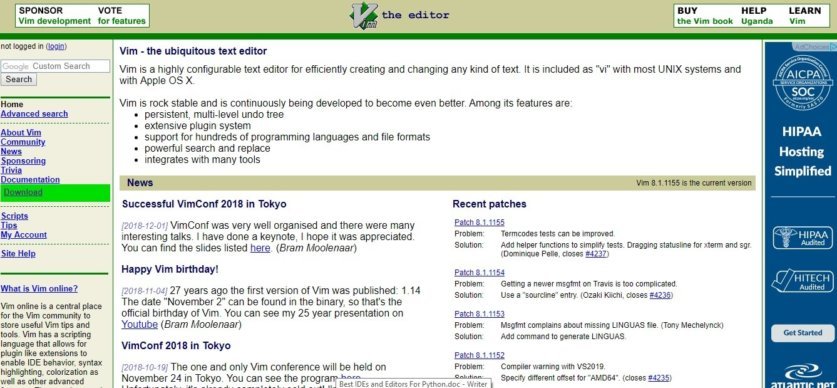
VIM is not exactly an IDE but a free and open-source text editor that contains all the functionalities and features of an IDE. This tool is an advanced & highly configurable text editor that is written in Vim Script & C language. Various programmers around the world consider Vim the perfect tool for all kinds of text editing, from editing configuration files to composing emails. Lastly, it also offers many exciting features to Unix or Linux users and is considered good for programming in C/C++ language.
Advantages:
- Free and open-source
- Lightweight and fast
- Powerful plugin model
- Configuration portability
- Keyboard-based, mouse-free interface
- Great productivity tool
Disadvantages:
- Difficult learning curve
- High effort to customise
- Poor support for external tooling
- Poor Feature Discoverability
- Doesn’t play nice with the system cut/paste mechanisms
Also Read: C++ Books- 13 Proven Books To Get Into C++ Programming
Other C/C++ IDEs for Linux
Atom Code Editor
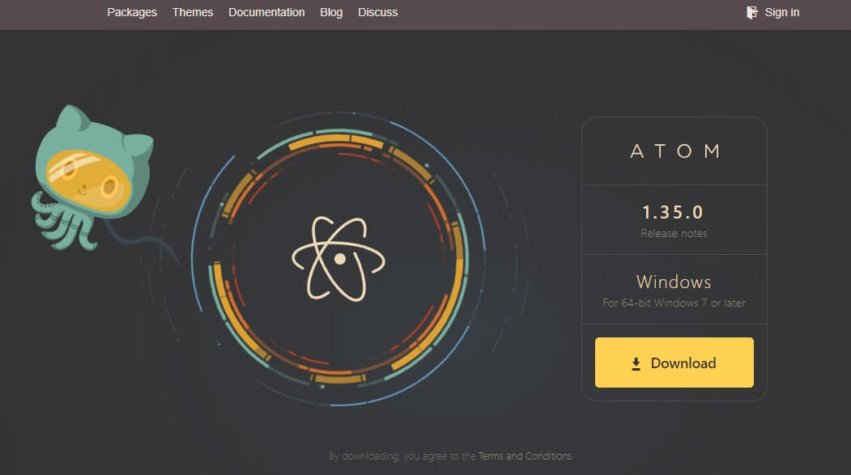
Atom is a text editor that looks very minimal and supports various languages. It is not an IDE but a text editor with all the features of an IDE. It is a very powerful text editor that is developed by GitHub. This tool is open-source, highly customizable and modern. Its feature can be enhanced by adding and using any 3rd party packages. It can be done via Atom’s package manager app. Just like Linux, Atom is equally used for Mac & Linux for C language programming. However, it provides an extra gig and works explicitly well with languages like Python and R.
Advantages:
- Open-source & easy to use
- Built-in package manager
- Smart auto-completion
- Developer tools
- Find & replace functionality
- Integrated file browser
- GitHub support
Disadvantages:
- Not ideal for large-scale projects
- Cannot handle large files
Bluefish Editor
Bluefish is also not an IDE but a text editor that offers all the IDE-like features. It is a very lightweight editor and offers programmers the idea of fast development. Writing scripts and codes and developing software and websites become very convenient with Bluefish Editor as it is compatible with multiple operating systems such as Linux, macOS, FreeBSD, OpenBSD, Solaris, and Windows.
Advantages
- The interface provides multiple documents
- Opening and arranging files according to their names and patterns
- Very powerful replace and search functionality
- Equipped with a Snippet sidebar
- Comes with integrated internal and external filters
- Provides full-screen editing
Disadvantages
- Not very convenient for heavy handling
- Cannot build complex and powerful applications
Brackets

It was developed by Adobe and is truly a modern, open-source text editor that understands web design. Though it is an editor, it is packed with several features similar to an IDE. The main purpose of Brackets is to conveniently offer the features of web development and designing. . For C language, it comes with an extension pack that of course works more as an editor. Brackets is a perfect IDE for developers who are looking for all the features like any other IDE but also want a lightweight tool.
Advantages:
- Open-source, free & cross-platform
- Small size
- Quick editing & highly extendable
- Code completion
- Easy to use the split window
- Integrated built-in live browser
Disadvantages:
- Some basic features are missing like indentation guides & automatic matching tags editing.
- Can also be slow at times but no big deal
- Not as actively updated
KDevelop
It is a cross-platform IDE designed specifically for programming languages like C/C++, Python, JS & PHP. It is heavily used by Linux IDE users for development purposes. It also supports Solaris, FreeBSD, Windows, macOS, and other Unix-based operating systems. It mainly comprises KDE, QT Libraries and KDevPlatform. It can be made highly extensible with the use of plugins. This IDE offers a seamless development environment for programmers regardless of their project size.
Advantages:
- Highly extensible & feature-rich
- A lot of plugins option
- Clang-based C/C++ plugin Support
- Supports different line editing & Grep view
- Uses widgets for saving vertical space
- Version Control Systems Support
- Unit Test Integration & debugger support
- Build Systems Support
- Quick Code Navigation & Semantic Highlighting
- Semantic Code Completion & Split Views
Disadvantages:
- It only supports six programming languages.
- Not very customizable
Frequently Asked Questions (FAQs)
1. Which is the best C IDE for Linux?
There is no one-size-fits-all answer. However, some of the best C/C++ IDEs for Linux include Code::Blocks for beginners, CLion for professionals, and Visual Studio Code for flexibility.
2. Which IDE is best for C++ beginners on Linux?
Code::Blocks is widely recommended for beginners due to its simple interface and easy setup process. It helps new developers focus on learning rather than configuration.
3. Is Visual Studio Code good for C/C++ in Linux?
Yes, Visual Studio Code works very well for C/C++ development on Linux when paired with the official C/C++ extensions. It offers debugging, IntelliSense, and strong customization options.
4. What is the fastest IDE for C/C++ on Linux?
Lightweight editors like Vim and Geany are among the fastest C/C++ IDEs for Linux, especially for low-resource systems.
5. Do I need a full IDE or just a code editor for C programming?
It depends on your needs. For small projects or learning, a code editor is sufficient. For larger projects involving debugging and build management, a full IDE is recommended.
6. Which IDE is best for Ubuntu for C++ development?
Most popular IDEs like Visual Studio Code, Code::Blocks, CLion, and Geany work seamlessly on Ubuntu. Your choice should depend on your experience level and project requirements.
Conclusion

With all this, let’s end this list of the best C/C++ IDEs for Linux. Apart from the IDEs, this list also covered some of the top C/C++ Code Editors for Linux. All the tools mentioned above offer numerous exciting features that often confuse programmers to choose anyone for their project. While there are also many other IDEs available, this list of IDEs contains the best ones that can prove to be the most beneficial and easy to use for you.
Till the next time, Keep Reading, Keep Learning & Keep Questioning!
Happy Reading!
When I install an IDE for the first time on Linux, I expect it to work when I am building something ultra simple. VS Code failed that requirement. Debugging with GDB failed, even though I use GDB with DDD all the time, with this message: “gdb failed to set controlling terminal operation not permitted.” And then there was this error message: “Unable to load schema from ‘vscode://schemas/settings/folder’: cannot open vscode://schemas/settings/folder. Detail: Unable to resolve text model content for resource vscode://schemas/settings/folder.” My mistake for expecting a simple VSCode tutorial to give me all the information I needed to do a simple debug and build. I’ve tried five other IDEs with C++ on Linux (Mint 21.1, FYI), and they all built a C++ program the first time without error messages. And yes, I spent a couple of hours trying to fix the above problems. Oh, and just for grins, I tried turning on settings sync. Big mistake. I had to xkill the VSCode window to get rid of the process, it wouldn’t let me exit.