Linux is an open-source operating system is used worldwide on many desktops, servers, gaming purpose, and latest you can find Linux as Touch operating system in Galaxy Nexus Smartphone which is a Linux based Android Device. The main reason Linux is much loved is that it provides great security and stability, less expensive than other software, protects privacy and user control over their own hardware. This is the reason, why we have created this article having the list of best Code Editors & IDE for Linux in 2020.
Linux is everywhere and it has great benefits for programmers in Linux. If you love Linux programming you can really have a good career in system administration and learning Linux can sure shot land you with a good job title in the market. You can also refer to one of my post “8 Best Resources on Books & eBooks for Linux” to help you start learning Linux.
As we all know that Programming is all about typing and typing. And our programmers constantly keep on searching and worrying about text editors to help them in their coding. At this point, knowing some of Best Ide’s comes in handy, to save your time and mental efforts. Many programmers learn to code by using a text editor, but in time they move towards using an IDE as it makes the art of coding efficient and quicker.
To provide a sharpness into the quality of software that is available, I have collected a list of 10 highly polished IDE for Linux. Probably, there will be something of interest here for anyone who wants to quicken the pace of web development.
1. eclipse
The free, open-source editor made for heavy Java development.
Languages supported: Java, C, C++, PHP, Python, Perl, Ruby and more.
Features:
• Multi-language support
• A lot of plug-ins for extended capabilities
• Great tools for JEE projects
• Eclipse Java Development Tools
• Plugin Development Environment
• Git Team Provider
• JUnit integration
2. 2) bluefish
It is a free and open-source development project targeted towards web developers and programmers.
Languages supported: ASP .NET, C/C++, CSS, HTML5, JavaScript and jQuery, Java, Pearl, PHP, Ruby, SQL, WordPress, and XML.
Features:
• Fast and clean
• Lightweight
• Multi-threaded support
• Unlimited undo/redo
• Many tools
• Auto-recovery of changes after shut down or crash
• Bookmarks functionality
• Very powerful search and replace
3. NetBeans
Free and open-source IDE from Sun Microsystems
Languages supported: Java, Python, C/C++, Ruby, PHP, JavaScript, etc.
Features:
• Drag-and-drop interface
• Cross-platform
• Dynamic and static libraries
• Multi-session GNU debugger integration
• Refactoring’s in Editor, Class View and Navigator
• Qt Toolkit support
• Flexible Run and Debug commands
Also See: Top 5 IRC Clients Available for Linux Distros
4. zend Studio
Developers of PHP use Zend for faster coding, resolving issues easily and to integrate freely inside the cloud. It has a power pack of tools such as Zend Studio, PHP Unit and Composer which forms a one-stop-shop for mobile app developers and PHP developers.
Languages supported: PHP, HTML, Javascript
Features:
• Plenty of database support
• Real-time error detection
• Code refactoring,
• (S)FTP
• Source code control options.
• Local and server debugging
5. Komodo IDE
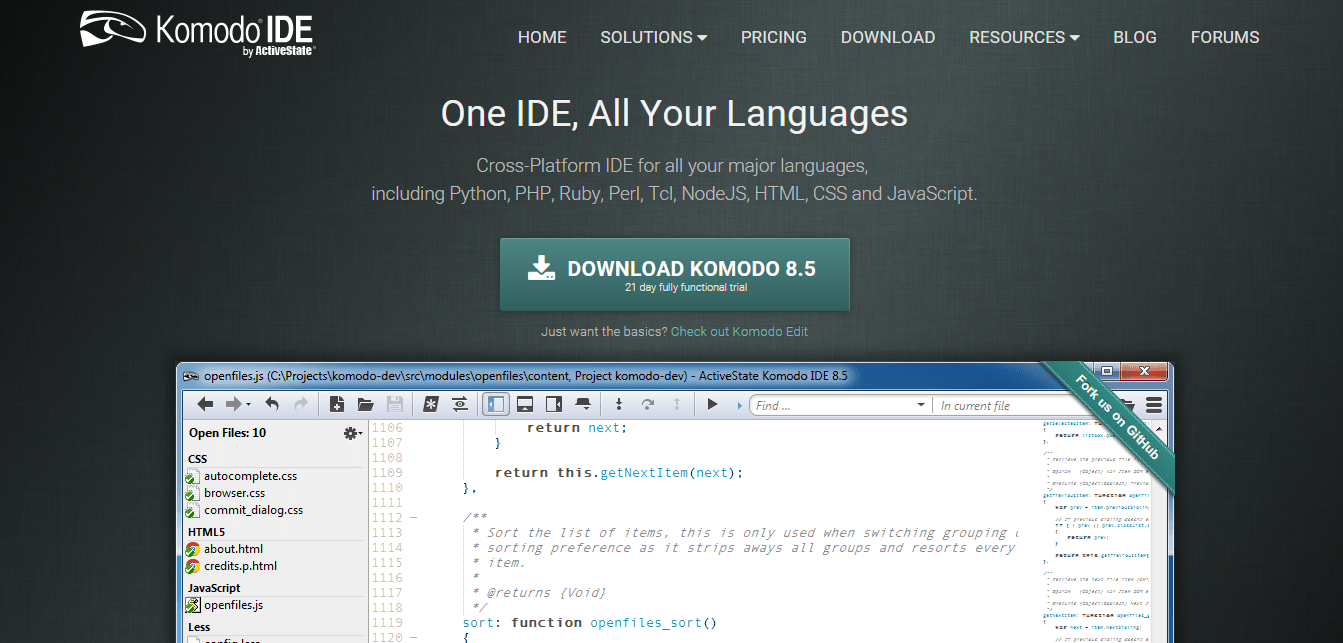
Komodo is an award winning IDE Built in Mozilla project.
Languages supported: PHP, Python, HTML, RHTML, Perl, C/C++, CSS, Ruby, JavaScript, XML, Django etc.
Features:
• Cross-Platform
• Code profiling for PHP and Python
• Graphical debugging for PHP, Ruby, Perl, Python, Node.js
• Advanced editing features with multi-window and split-view editing
• Multiple add-ons
• Customization options
• Debug and deploy to the cloud with Stackato PaaS
Cost:
• Goodwill: FREE
• Educational: FREE
• Personal: $89>
• Enterprise: $295
• Students: $100
6. Anjuta
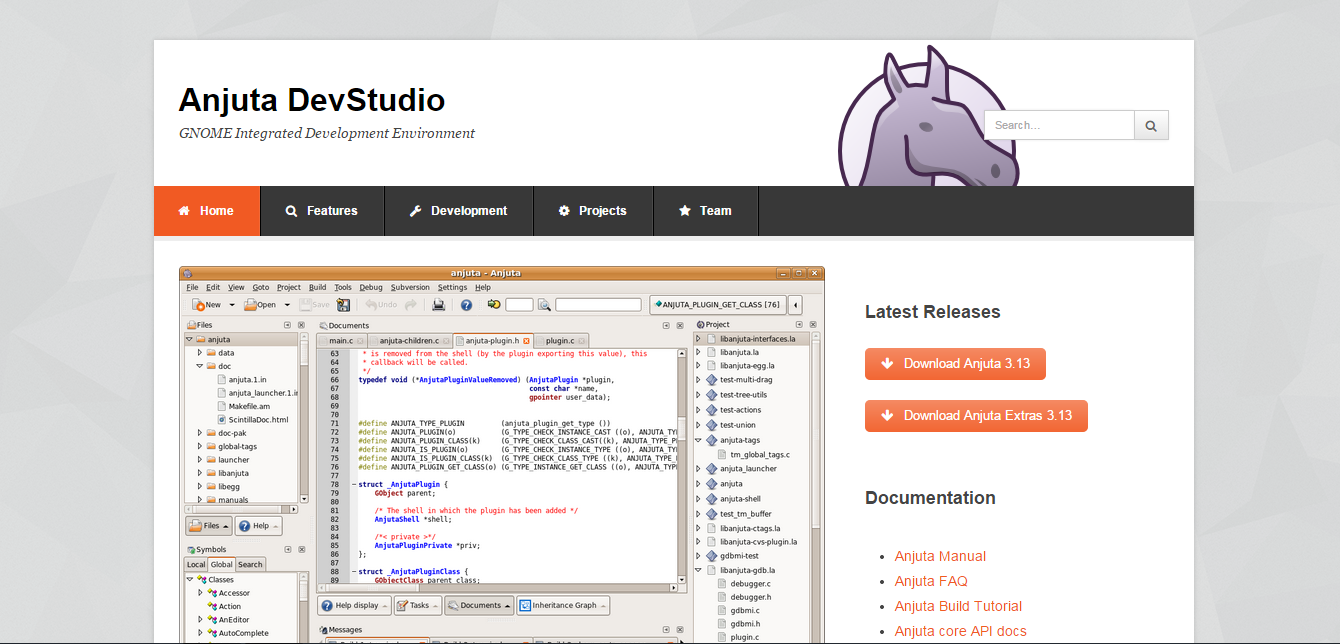
A versatile studio comprising a number of advanced facilities including application wizard, source editor, project management, version control, profiler, interactive debugger, GUI designer and many more tools. It focuses on providing simple user interface, yet powerful for systematic development.
Languages supported: C and C++.
Features:
• Simple user interface
• Project wizards and templates
• Many supported languages
• Integrated Glade
• Integrated DevHelp
Also See: Top 6 BitTorrent Clients for Linux Users
7. MonoDevelop
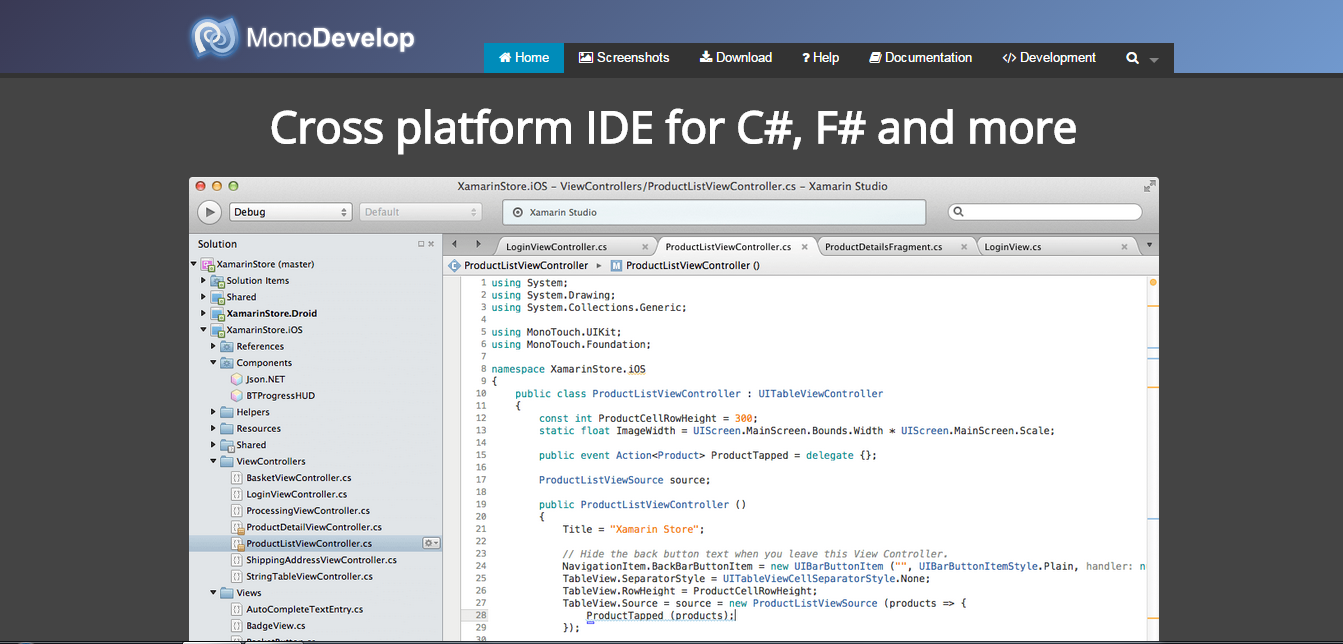
This IDE is primarily designed for C# and other .NET languages which allows developers to quickly write desktop and ASP.NET Web apps on Linux. It is a cross-platform software that makes it easy for developers to extract .NET apps created with Visual Studio to Linux without losing its original coding.
Languages Supported: VB, Java, C/C++, C#, Python
Features:
• Modifiable workspace as per your convenient workflow
• Integrated debugger native apps
• Visual Designer
• Deployment and Unit testing
• Power-packed add-in engine
• Object-oriented API
• External tools to increase capabilities in development
8. CodeLite
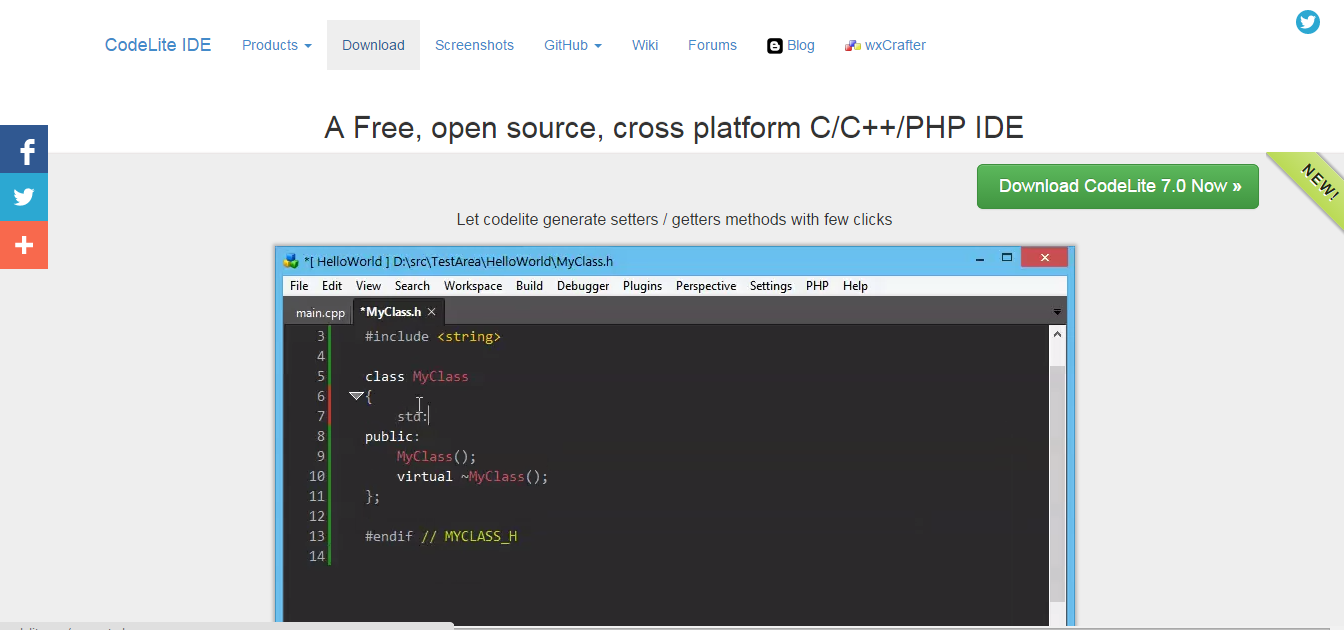
An Open-Source, Free, cross-platform for C+ and C++ programmers.
Languages Supported: C and C++
Features:
• Built-in support for GCC/clang/VC++/GDB
• GIT plug-ins
• RAD Tool for wxWidgets
• Syntax highlighting support for different languages
• 2 code completion engines running simultaneously
• Local’s threads view, tree and memory view
9. KDevelop
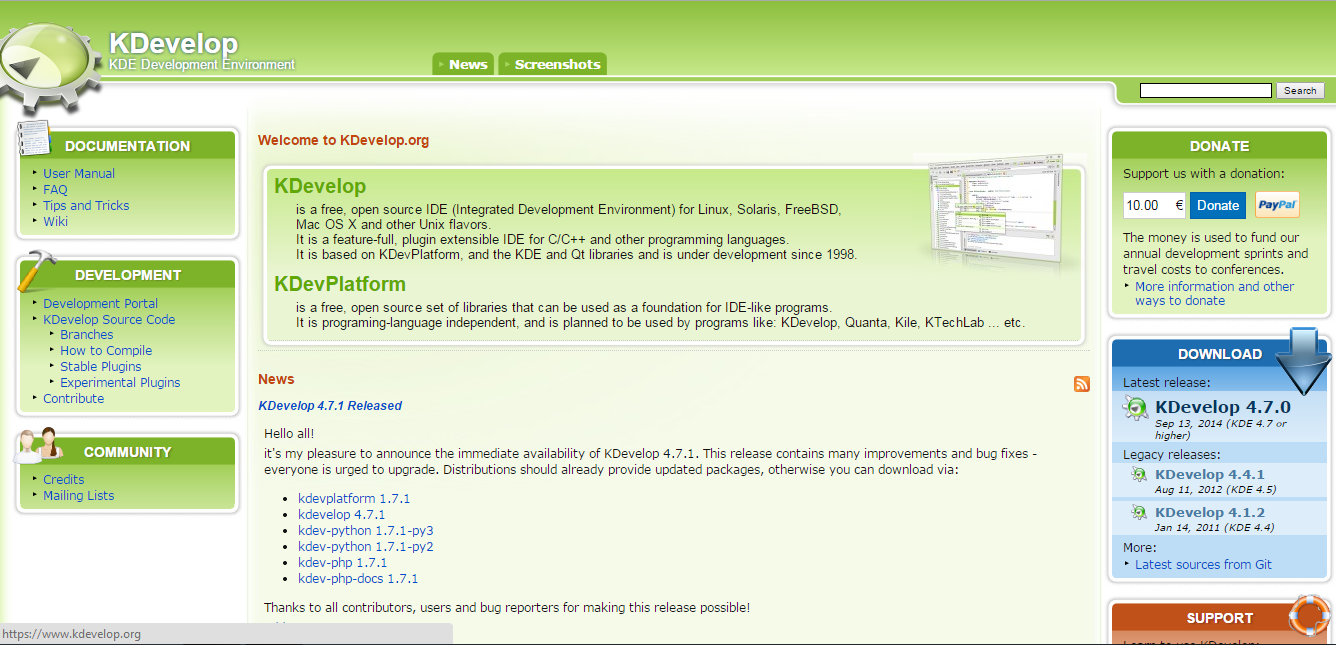
It is an extensible and full-fledged IDE for C/C++ PHP and Ruby. However its new version is under development, and most of the GUI developers have started using Qt-Creator but still there are many fans of this IDE.
Languages supported: C/C++, PHP and Ruby.
Features:
• Cross-Platform
• Used for KDE/QT development
Also See: Top 15 Photo Editors for Linux Distributions
10. Geany
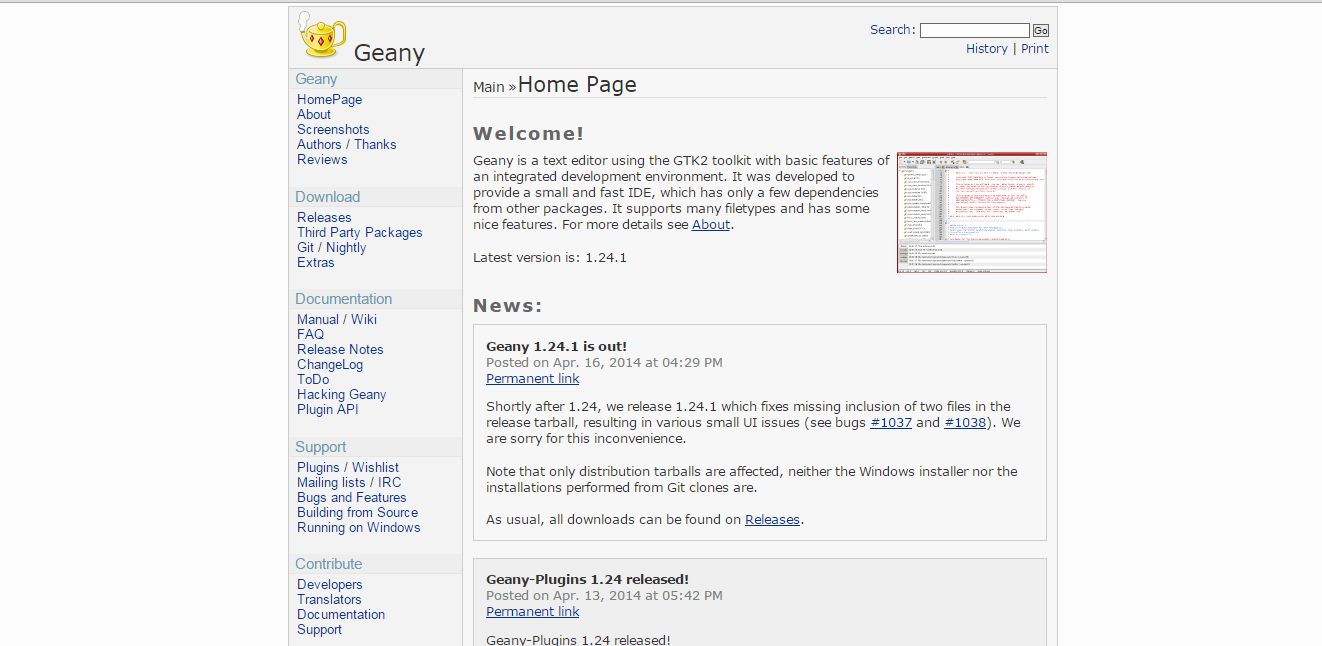
Although it has all of the basic features of an IDE, Geany is a text editor which works on GTK2 library. It was designed specifically to provide a fast and small IDE, and it needs only the GTK2 libraries to remain independent from Desktop Environments
Languages Supported: Java, HTML PHP, C, Perl, Python, Pascal
Key Features:
• Auto-closing for XML and HTML tags
• Code navigation
• Multiplatform
• Create custom plugins
• Syntax highlighting and code folding
• Simple project management
• Ships with 6 plugins, with many others available
• Call tips and Symbol lists
A good IDE helps developers to build maintainable and error-free applications quicker than by using console-based tools and editor. As there is a large number of IDE for Linux available, selecting the best IDE for Linux can be a challenging task.
I guess I haven’t missed out on your favorite IDE for Linux in my post. If so, please let me know for it or do comment for IDE’s you use.
For Further Reading:
How could you leave sublime text out, way better than eclipse, netbeans, I uses to use those until I found sublime text
how can you forget the big old guys: VIM and EMACS? (Really those are the best IDEs you can get for *everything* – just pick your fav and hate the other)
By far, Intellij IDEA is much better than Eclipse for Java development. It’s not free, but definitely worth it.
And its flavor for other languages (PhpStorm, PyCharm, RubyMine, WebStorm, and CLion) are to be tested too
For Linux desktop development, IMHO, Lazarus tops them all. It’s RAD development at it’s best.
It also supports multi OS, generating native code.
Code::Blocks?
Then there is brackets, atom and ms code
What about atom? the editor from github?