Passwordless authentication has become one of the most important cybersecurity trends. For decades, passwords have been the standard way to protect online accounts, but they are increasingly proving to be unreliable. Weak passwords, password reuse, phishing attacks, credential theft, and password fatigue have made traditional login methods a major security risk for both individuals and organizations. As cybercriminals continue to develop more sophisticated attack techniques, businesses are looking for safer and more user-friendly alternatives.
Instead of relying on passwords that can be stolen or guessed, passwordless authentication uses secure methods such as passkeys, biometrics, security keys, or trusted devices to verify a user’s identity. Leading technology companies, including Google, Apple, and Microsoft, have already integrated passkeys into their platforms, while banks, financial institutions, healthcare providers, and enterprise organizations are rapidly adopting passwordless login to improve security and simplify the user experience.
In this guide, you’ll learn what passwordless authentication is, how it works, why it is replacing traditional passwords, its key benefits and challenges, the technologies behind passkeys, real-world use cases, implementation strategies, and what the future of passwordless security looks like for businesses and consumers in 2026.
What Is Passwordless Authentication?
Passwordless authentication is a modern login method that lets users verify their identity without entering a traditional password. Instead, authentication relies on trusted factors such as biometrics like fingerprints or facial recognition, passkeys, hardware security keys, mobile approval notifications, magic links sent by email, or trusted devices. These methods replace passwords with stronger cryptographic verification, making accounts significantly harder to compromise. The result is better security, faster access, and a smoother user experience with fewer login frustrations.
How Passwordless Authentication Works
The process begins when a user registers a trusted device, which generates a unique cryptographic key pair. The private key stays securely on the device, while the public key is stored by the service. During login, the website or application sends an authentication request. The user confirms their identity with a fingerprint, face scan, PIN, or security key. The device then uses the private key to verify the request without exposing sensitive credentials. Standards such as WebAuthn and FIDO2 ensure this process works securely across compatible platforms and devices.
Why Passwords Are Becoming Obsolete
Traditional passwords create multiple security and usability problems. Many people reuse passwords across accounts, choose weak combinations, or fall victim to phishing and credential stuffing attacks. Forgotten passwords also generate costly reset requests that increase IT support workloads. Passwordless authentication eliminates these weaknesses by removing the password itself, reducing opportunities for attackers while making sign-ins quicker and more reliable. As a result, organizations are rapidly adopting passwordless solutions to strengthen cybersecurity and improve productivity.
Password Authentication vs Passwordless Authentication
| Feature | Traditional Passwords | Passwordless Authentication |
| Security | Vulnerable to theft, guessing, and reuse | Strong cryptographic protection with secure authentication methods |
| Phishing Resistance | Low, passwords can be captured by fake websites | High, passkeys and cryptographic authentication resist phishing attacks |
| User Experience | Users must remember and manage passwords | Simple login using biometrics, passkeys, or trusted devices |
| Login Speed | Slower due to manual password entry | Faster authentication with a fingerprint, face scan, or security key |
| Password Reset Required | Frequent resets for forgotten passwords | No traditional password resets required |
| Credential Theft Risk | High if passwords are leaked or reused | Very low because private keys never leave the user’s device |
| Enterprise Scalability | Requires ongoing password management and support | Easier to scale with reduced IT overhead and stronger security |
Read More: What Is Two-Factor Authentication And Why Do You Need It?
Why Passwordless Authentication Is Becoming Mainstream
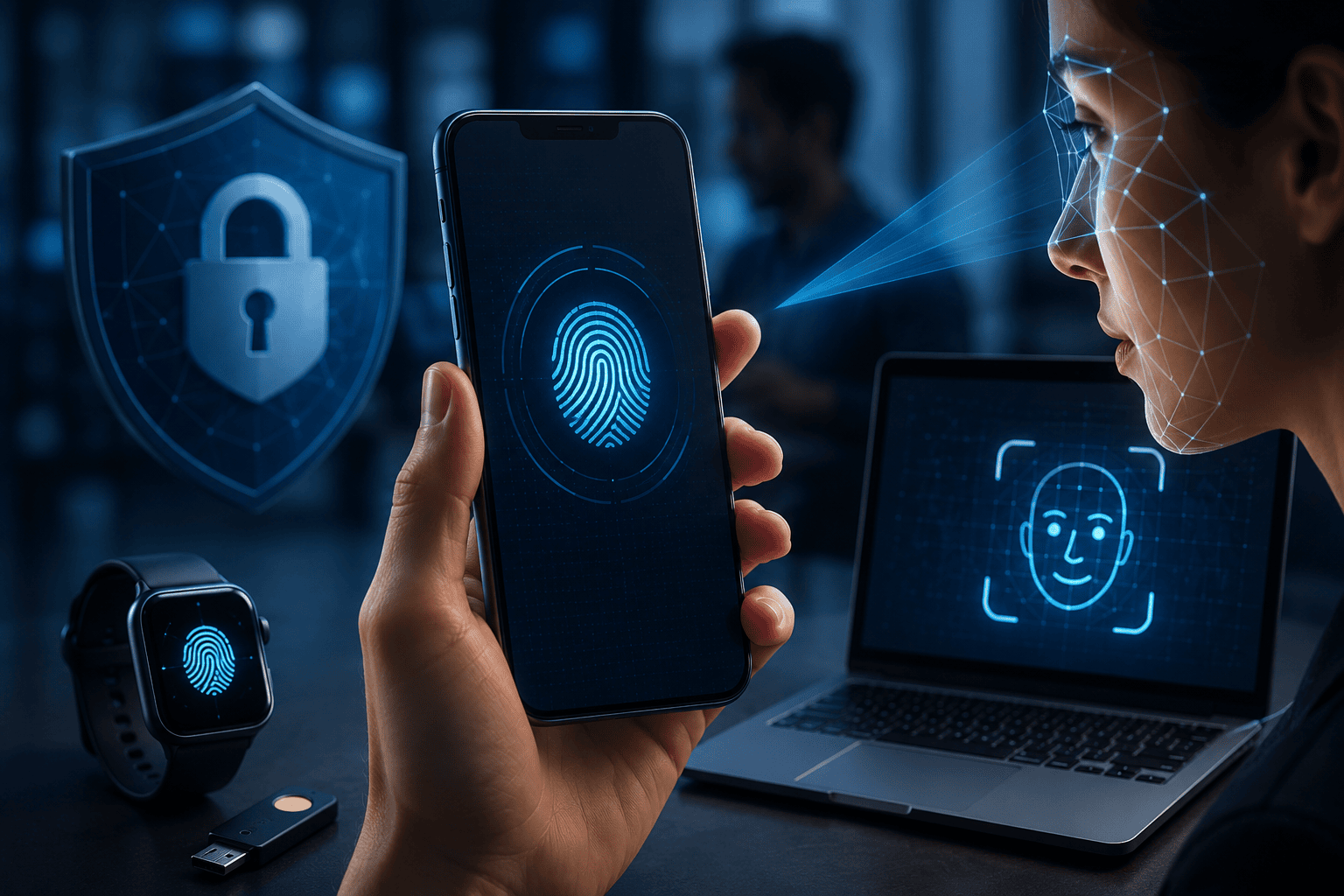
Passwordless authentication is rapidly becoming the preferred login method as organizations respond to evolving cybersecurity threats and changing user expectations. Rising cyberattacks, phishing campaigns, and credential theft have exposed the limitations of traditional passwords, encouraging businesses to adopt more secure authentication methods. At the same time, remote work, cloud-based applications, and zero-trust security frameworks require stronger identity verification without adding unnecessary complexity. Regulatory requirements for protecting sensitive customer data have also accelerated the shift toward passwordless authentication. As part of broader digital transformation initiatives, industries such as banking, healthcare, education, ecommerce, and government are replacing password-based systems with more secure and user-friendly alternatives.
Industry Trends Driving Adoption
Several technology trends are fueling enterprise adoption of passwordless authentication. Organizations are increasing investments in identity and access management while moving applications to cloud-first environments. Security teams are prioritizing phishing-resistant authentication methods that reduce the risk of account compromise and support zero-trust strategies. Password fatigue among employees, combined with the high cost of password resets and help desk support, has made passwordless solutions an attractive business investment. Widespread support for passkeys and modern authentication standards across major operating systems, browsers, and enterprise platforms has also simplified large-scale deployment.
Consumer Demand for Simpler Login Experiences
Consumers increasingly expect fast, secure, and effortless access to their online accounts. Instead of remembering dozens of complex passwords, many users now prefer signing in with a fingerprint, facial recognition, Face ID, Windows Hello, or passkeys stored on trusted devices. These methods provide quicker logins while reducing frustration and improving security, making passwordless authentication an increasingly popular choice for both businesses and everyday users.
Understanding Passkeys and FIDO2
Passkeys are the foundation of modern passwordless authentication. Instead of creating and remembering passwords, users sign in with cryptographic credentials stored securely on their devices. Each passkey consists of a unique public and private key pair. The public key is shared with the website or app, while the private key never leaves the user’s device. Because there is no password to steal or reuse, passkeys provide much stronger protection against phishing and credential theft.
The technology is built on standards developed by the FIDO Alliance, including FIDO2 and WebAuthn. These open standards allow websites, browsers, operating systems, and devices to work together securely across different platforms. As a result, passkeys offer both stronger security and a faster, simpler login experience.
What Are Passkeys?
Think of a passkey like a digital house key that fits only one specific lock. Your device automatically creates a unique key pair for each account. When you sign in, your fingerprint, face scan, or device PIN unlocks the private key to verify your identity. Many passkeys can also be securely synchronized through trusted cloud services, allowing users to access accounts across multiple personal devices without creating or remembering passwords.
What Is FIDO2?
FIDO2 is an open authentication standard created by the FIDO Alliance. It combines WebAuthn, which enables browsers and websites to support passwordless authentication, with CTAP (Client to Authenticator Protocol), which allows browsers to communicate securely with authenticators such as smartphones and security keys. Because FIDO2 is an open standard, it is supported by major browsers and leading technology companies, making passwordless authentication widely compatible.
WebAuthn Explained Simply
WebAuthn acts as the secure communication bridge between a website and your trusted authentication device. Instead of transmitting passwords, the browser sends a cryptographic challenge that only your registered device can answer using its private key. Since no reusable password is exchanged or stored on the server, attackers cannot steal login credentials through fake websites, making WebAuthn a key reason passkeys are highly resistant to phishing.
| Authentication Method | Security | Convenience | Phishing Resistant | Password Required |
| Password Only | Low | Moderate | No | Yes |
| SMS OTP | Moderate | Good | Limited | Yes |
| Authenticator App | High | Good | Mostly | Yes |
| Passkeys | Very High | Excellent | Yes | No |
| Hardware Security Keys | Very High | Good | Yes | No |
| Biometrics | High* | Excellent | Yes (when used with passkeys or FIDO2) | No |
Types of Passwordless Authentication Methods

Organizations can choose from several passwordless authentication methods depending on their security requirements, user experience goals, regulatory obligations, and level of cyber risk. A consumer application may prioritize convenience, while banks, healthcare providers, and large enterprises often require stronger authentication for sensitive systems. Many organizations also combine multiple methods to provide flexibility while maintaining high security.
Biometric Authentication
Biometric authentication verifies identity using unique physical characteristics such as fingerprints, facial recognition, iris scanning, or other device-based biometric sensors. Modern smartphones and laptops securely store biometric data on the device instead of sending it to servers, helping protect user privacy. Although biometrics are highly convenient, they are typically used to unlock a cryptographic credential such as a passkey rather than serving as the authentication credential itself.
Passkeys
Passkeys create a unique cryptographic key pair for every online account. During login, users simply approve the request with their fingerprint, face scan, or device PIN. Many passkeys can be securely synchronized across a user’s trusted devices through encrypted cloud services, providing a seamless sign-in experience without requiring passwords while maintaining strong phishing resistance.
Hardware Security Keys
Hardware security keys are physical authentication devices that connect through USB, NFC, or Bluetooth. Users verify their identity by inserting the key or tapping it against a compatible device. Since the authentication keys never leave the hardware, these devices offer exceptional protection against phishing and credential theft. They are widely used in enterprise environments, government agencies, and organizations that handle highly sensitive information.
Magic Links
Magic links allow users to sign in by clicking a secure, time-limited link delivered to their email address. No password needs to be entered, making this method simple for customers and suitable for websites, online services, and occasional account access. However, its security depends on the protection of the user’s email account.
One-Time Codes
One-time codes are temporary authentication codes delivered through SMS, email, or authentication apps. Each code expires after a short period and can only be used once. While they improve security compared with passwords alone, SMS-based codes remain vulnerable to phishing and SIM swap attacks, so they are increasingly used as a backup authentication method.
Mobile Push Authentication
Mobile push authentication sends a login request directly to a trusted authentication app on the user’s smartphone. Instead of entering a password, users simply review the request and tap Approve or Deny. This method is fast, convenient, and commonly used alongside biometric verification or device-based cryptographic authentication to strengthen account security.
Passwordless Authentication Solutions Used Today
Passwordless authentication is now widely available for both consumers and businesses. Modern identity platforms combine passkeys, biometrics, single sign-on (SSO), and multi-factor authentication to deliver secure and convenient access across websites, applications, and enterprise systems. Organizations select solutions based on their security needs, compliance requirements, and compatibility with existing infrastructure.
Enterprise Identity Platforms
Enterprise identity and access management (IAM) platforms enable organizations to deploy passwordless authentication at scale. These platforms integrate passkeys, biometric verification, SSO, and conditional access policies to simplify login while protecting business resources. Centralized management also helps administrators enforce consistent security controls across employees, contractors, and devices.
Google Passwordless Authentication
Google supports passwordless sign-in through passkeys for personal and business accounts. Users can authenticate with a fingerprint, face scan, screen lock, or trusted device instead of entering a password. Passkeys are securely synchronized across compatible devices, making account access faster while providing strong protection against phishing attacks.
Windows Passkeys
Microsoft’s passwordless ecosystem includes Windows Hello, which allows users to sign in using facial recognition, fingerprints, or a device PIN. Windows also supports passkeys that work across compatible browsers and applications, providing secure authentication without exposing reusable credentials.
Android Passkeys
Android devices include built-in support for passkeys, allowing users to create and use them with compatible apps and websites. Passkeys can be securely synchronized across trusted devices, enabling a seamless login experience while maintaining strong cryptographic protection.
Bitwarden Passkeys Support
Modern password managers such as Bitwarden now support passkeys alongside traditional passwords. This allows users to securely store, organize, and synchronize both credential types while gradually transitioning to passwordless authentication across supported services.
| Technology | Best For | Device Support | Phishing Resistant | Ease of Use |
| Passkeys | Everyday consumer and business accounts | Cross-platform | Yes | Excellent |
| Windows Hello | Windows devices | Windows PCs | Yes | Excellent |
| Face ID | Apple devices | iPhone, iPad, Mac | Yes | Excellent |
| Fingerprint Authentication | Smartphones and laptops | Most modern devices | Yes | Excellent |
| Hardware Security Keys | High-security and enterprise environments | USB, NFC, Bluetooth compatible devices | Yes | Good |
Benefits of Passwordless Authentication
Passwordless authentication delivers significant advantages for both organizations and individual users by improving security while making the login experience faster and more convenient. Instead of relying on passwords that can be forgotten, reused, or stolen, users authenticate with trusted devices, biometrics, or passkeys that are protected by modern cryptography.
One of the biggest benefits is stronger security. Since there are no passwords to steal, attackers have far fewer opportunities to launch phishing, credential stuffing, or brute-force attacks. Even if a user visits a fake website, passkeys cannot be used to authenticate with fraudulent domains, greatly reducing the risk of account compromise.
Organizations also benefit from lower IT support costs. Password resets account for a large percentage of help desk requests, consuming both time and resources. Passwordless authentication minimizes these requests, allowing IT teams to focus on higher-value security and operational tasks.
Faster login experiences improve productivity across the workplace. Employees can securely access applications with a fingerprint, face scan, security key, or trusted device in seconds instead of typing complex passwords. Consumers also enjoy quicker access to banking apps, online shopping, healthcare portals, and other digital services without remembering multiple credentials.
Passwordless authentication also supports regulatory compliance by strengthening identity verification and reducing the risk of unauthorized access to sensitive information. Many organizations use passwordless authentication as part of a broader zero-trust security strategy to better protect business systems and customer data.
The improved user experience is another major advantage. Customers are less likely to abandon purchases because of forgotten passwords, while employees spend less time dealing with login issues. For example, an online retailer can reduce checkout friction by allowing customers to sign in with a passkey, while a company can improve workforce efficiency by replacing password-based logins with biometric authentication. As passwordless technologies become more widely supported, businesses can strengthen cybersecurity, reduce operational costs, and deliver a smoother digital experience for everyone.
Challenges and Limitations
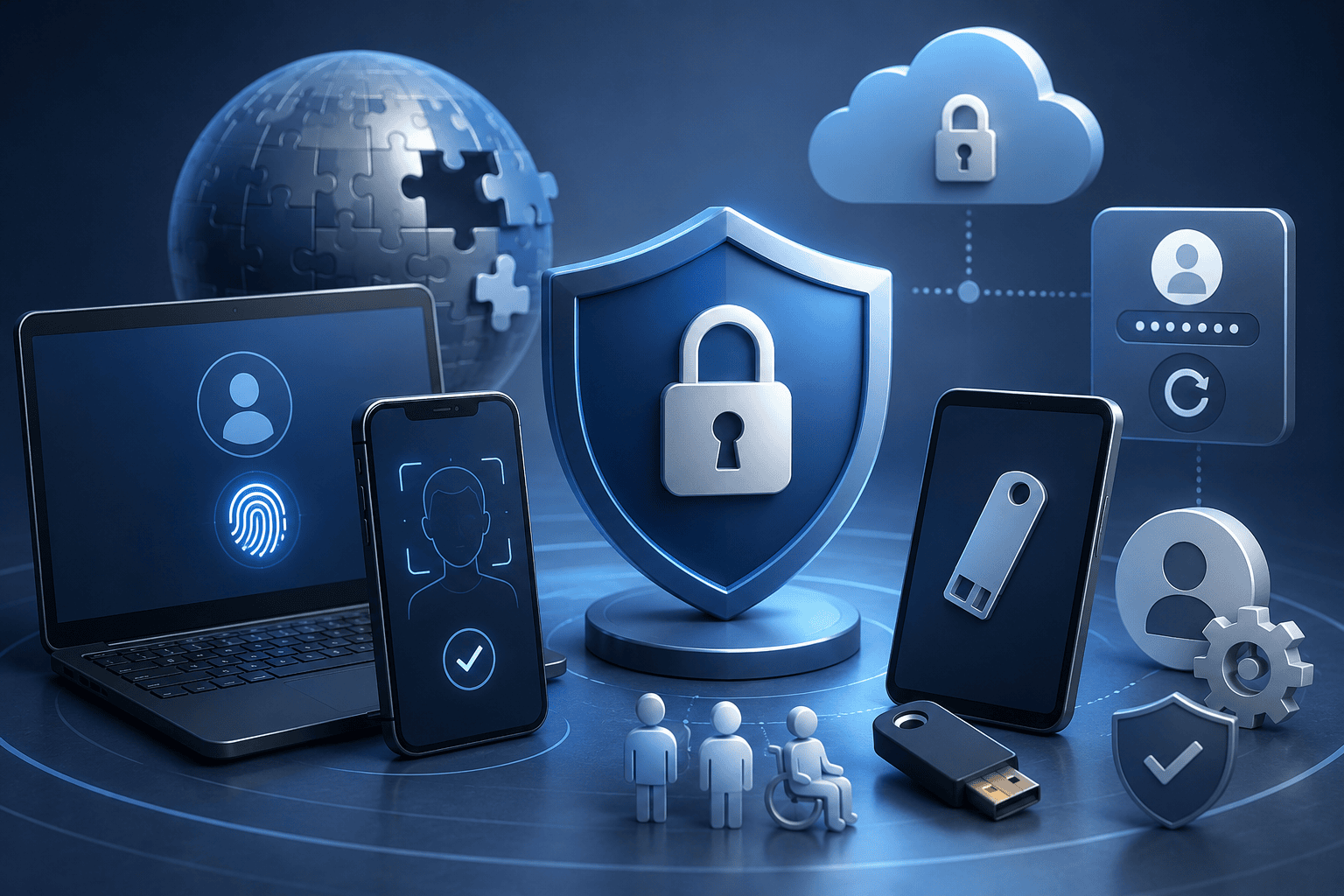
Although passwordless authentication offers major security and usability benefits, it is not a perfect solution for every user or organization. One of the biggest challenges is device compatibility. While most modern smartphones, laptops, and browsers support passkeys and biometric authentication, some older devices and legacy business applications still rely on traditional passwords.
Account recovery is another important consideration. If a user loses a trusted device, organizations need secure backup authentication methods, such as recovery codes, additional trusted devices, or hardware security keys. Without a well-designed recovery process, users may struggle to regain access to their accounts.
Successful adoption also depends on user education. Employees and customers must understand how passkeys, biometrics, and trusted devices work to avoid confusion during the transition from password-based logins.
Implementation costs can be significant for organizations that need to upgrade identity infrastructure or modernize legacy systems. Accessibility should also be considered, as authentication methods must accommodate users with disabilities and those who cannot use certain biometric technologies.
Privacy concerns are another consideration. Although biometric data is generally stored securely on the user’s device rather than on remote servers, organizations should clearly explain how authentication data is protected to build user trust.
Overall, passwordless authentication provides a much stronger security model than traditional passwords, but it works best when combined with thoughtful deployment, secure recovery options, user training, and support for environments where passwords may still be temporarily required.
Advantages vs Disadvantages
| Advantages | Disadvantages |
| Strong protection against phishing and credential theft | Older devices and legacy applications may not be compatible |
| Faster and simpler login experience | Secure account recovery requires careful planning |
| Fewer password reset requests and lower IT costs | Initial implementation and infrastructure upgrades can be costly |
| Better user experience and productivity | Users may need training during the transition |
| Supports modern security and compliance strategies | Accessibility and privacy considerations must be addressed |
| Reduced risk from weak or reused passwords | Some environments may still require passwords for compatibility |
Passwordless Authentication vs Multi-Factor Authentication (MFA)
Passwordless authentication and traditional multi-factor authentication (MFA) both improve account security, but they work in different ways. Traditional MFA adds one or more verification steps after a user enters a password. For example, a user may sign in with a password and then enter a one-time code from an authenticator app or approve a mobile notification. While this is more secure than using a password alone, the password remains a potential target for phishing and credential theft.
Passwordless authentication removes the password entirely. Instead, users verify their identity with a passkey, biometric authentication, a hardware security key, or a trusted device. Since there is no password to steal or reuse, passwordless authentication significantly reduces the risk of phishing and credential stuffing attacks.
It is important to note that passwordless authentication can also function as a form of MFA. For example, unlocking a passkey with a fingerprint or facial recognition combines something the user has, the trusted device, with something the user is, a biometric factor. This provides strong authentication without requiring a traditional password.
From a usability perspective, passwordless authentication generally offers a faster and simpler login experience because users do not need to remember complex passwords or enter additional verification codes. However, deploying passwordless authentication may require modern identity infrastructure and support for standards such as FIDO2 and WebAuthn. Many organizations adopt a hybrid approach, using passwordless authentication where supported while retaining traditional MFA for legacy applications and systems that still depend on passwords.
Passwordless vs MFA
| Feature | Passwordless | Traditional MFA |
| Requires Password | No | Yes |
| User Experience | Fast and seamless | More steps required |
| Phishing Resistance | Very high | Moderate to high, depending on the method |
| Login Speed | Very fast | Moderate |
| Recovery Options | Trusted devices, recovery codes, security keys | Password reset plus second-factor recovery |
| Security Level | Very high | High, but password remains a potential weakness |
Best Practices for Implementing Passwordless Authentication
A successful passwordless authentication strategy requires careful planning, user awareness, and ongoing security management. Organizations should begin by enabling passkeys wherever supported and adopting trusted identity providers that implement open standards such as FIDO2 and WebAuthn. This helps ensure secure, consistent authentication across applications and devices.
Secure account recovery is equally important. Recovery codes, trusted backup devices, or hardware security keys should be configured in advance so users can regain access if a primary device is lost, damaged, or replaced. Keeping operating systems, browsers, and authentication apps updated also protects against newly discovered security vulnerabilities.
User education remains a key part of any deployment. Although passkeys are highly resistant to phishing, users should still be trained to recognize suspicious emails, fake websites, and social engineering attempts that target account recovery or personal information.
Organizations should regularly monitor authentication logs and account activity to detect unusual login attempts or unauthorized access. Risk-based access controls and periodic security reviews can further strengthen protection for sensitive systems.
For individuals, using passkeys on trusted devices, enabling biometric authentication, maintaining secure backup options, and reviewing account activity regularly provide a strong balance of security and convenience. By following these best practices, both businesses and consumers can maximize the benefits of passwordless authentication while minimizing potential risks.
The Future of Passwordless Authentication
Passwordless authentication is expected to become the standard way people access digital services over the next decade. As cyber threats continue to evolve, organizations are moving beyond passwords toward authentication methods that are both more secure and easier to use.
One major trend is the growing use of AI-powered identity verification, which can analyze login behavior and detect unusual activity in real time. Behavioral biometrics, such as typing patterns, mouse movements, and device interactions, will provide additional layers of continuous authentication without disrupting the user experience.
Another important development is decentralized identity, which gives users greater control over their digital credentials while reducing reliance on centralized databases. At the same time, passkeys are becoming more widely supported across operating systems, browsers, applications, and online services, making passwordless sign-ins increasingly seamless across devices.
Businesses are also embracing password-free workplaces as part of broader zero-trust security strategies, where every access request is continuously verified regardless of location or device. Continued adoption of open standards such as FIDO2 and WebAuthn will further improve interoperability and global compatibility.
As security, convenience, and industry support continue to grow, passwordless authentication is well positioned to replace traditional passwords as the default login experience for consumers, businesses, and public sector organizations worldwide.
Frequently Asked Questions (FAQ)
What does passwordless authentication do?
Passwordless authentication verifies your identity without requiring a traditional password. Instead, it uses methods such as passkeys, fingerprints, facial recognition, hardware security keys, or trusted devices. This approach reduces the risk of phishing, password theft, and forgotten passwords while making the login process faster and more convenient for both individuals and businesses.
What is passwordless authentication?
Passwordless authentication is a login method that replaces passwords with more secure forms of identity verification. Users can sign in using biometrics, passkeys, hardware security keys, magic links, or mobile approvals. Since no password is entered or stored, the chances of credential theft and phishing attacks are significantly reduced.
Is passwordless safer than 2FA?
It depends on the implementation. Passwordless authentication often provides stronger protection because it removes the password, which is the most common attack target. Traditional two-factor authentication (2FA) still relies on a password, although it adds an extra verification step. Passwordless methods using passkeys and biometrics are generally more resistant to phishing.
What is the best passwordless authentication?
Passkeys based on the FIDO2 and WebAuthn standards are widely considered the best passwordless authentication method for most users. They combine strong cryptographic security with a simple login experience using a fingerprint, face scan, or device PIN. Hardware security keys are also an excellent choice for high-security environments.
What are the disadvantages of passwordless authentication?
Passwordless authentication may require modern devices and compatible software. Some legacy applications still depend on passwords, and users need secure account recovery options if they lose a trusted device. Organizations may also face implementation costs and must educate users during the transition to passwordless systems.
Which is an advantage of passwordless authentication?
A major advantage is improved security. Since there is no password to steal, attackers cannot easily perform phishing, credential stuffing, or brute-force attacks. Passwordless authentication also reduces password reset requests, speeds up logins, improves productivity, and creates a smoother user experience for customers and employees.
What are the Type 3 authentication methods?
Authentication factors are commonly grouped into three categories: something you know, something you have, and something you are. Type 3 authentication refers to something you are, which includes biometric methods such as fingerprint recognition, facial recognition, iris scanning, and voice recognition used to verify identity.
Is going passwordless a good idea?
Yes, for most users and organizations. Passwordless authentication improves security, reduces login friction, and lowers IT support costs. However, it should be implemented with secure recovery methods, trusted devices, and user education. Some older applications may still require passwords until they are updated.
Can Gmail be passwordless?
Yes. Gmail supports passwordless sign-in through passkeys on compatible devices. After setting up a passkey, users can sign in with a fingerprint, face scan, or screen lock instead of entering their Google account password. This provides a faster and more phishing-resistant login experience.
Is passwordless better than MFA?
Passwordless authentication is often considered more secure than traditional MFA because it removes the password entirely. However, passwordless authentication can also function as MFA when it combines a trusted device with biometric verification or another authentication factor, providing both security and convenience.
What is the 3-word password rule?
The three-word password rule is a technique for creating memorable passwords by combining three unrelated words into a long passphrase, such as “RiverCoffeeLantern.” While this creates stronger passwords than short, complex combinations, passwordless authentication eliminates the need to remember passwords altogether.
What are passkeys?
Passkeys are password replacements that use public-key cryptography to verify your identity. They are securely stored on your device and unlocked with a fingerprint, face scan, or device PIN. Because passkeys are unique to each website or app, they offer much stronger protection than traditional passwords.
How do passkeys work?
When you create a passkey, your device generates a public and private cryptographic key pair. The public key is stored by the website, while the private key remains securely on your device. During login, your device uses the private key to verify your identity without sending a password over the internet.
Are passkeys better than passwords?
Yes. Passkeys are generally more secure because they cannot be guessed, reused across multiple accounts, or easily stolen through phishing attacks. They also simplify the login process by allowing users to authenticate with a fingerprint, face scan, or trusted device instead of remembering complex passwords.
Can passkeys be hacked?
No authentication method is completely immune to attack, but passkeys are significantly more secure than traditional passwords. The private cryptographic key never leaves your device, making credential theft much more difficult. Users should still protect their devices, enable secure recovery options, and keep their software updated to maintain strong security.
Read More: How to Secure Your API: Authentication, Rate Limiting, JWT & Modern Best Practices
Conclusion
Passwordless authentication is transforming the way people and organizations protect digital accounts. By replacing traditional passwords with passkeys, biometrics, hardware security keys, and other cryptographic authentication methods, it significantly reduces the risks associated with phishing, credential theft, password reuse, and forgotten passwords. Open standards such as FIDO2 and WebAuthn have made passwordless authentication secure, interoperable, and easier to adopt across devices, browsers, and online services.
While successful implementation requires careful planning, secure account recovery, user education, and support for legacy systems, the long-term benefits outweigh the challenges. Businesses can strengthen cybersecurity, lower IT support costs, and improve employee productivity, while consumers enjoy faster, simpler, and more secure access to their favorite apps and websites.
As technology companies, financial institutions, and enterprises continue to expand passwordless support, this approach is rapidly becoming the new standard for digital identity. If passwordless authentication is available for your personal accounts or organization, now is an excellent time to enable it. Adopting passkeys and other modern authentication methods today will help protect your data, simplify daily logins, and prepare you for the future of online security.